Account Audits
Part of Paid search reporting for sales teams
Explaining why ad platform and analytics totals differ
Explain differences between Google Ads and Analytics clicks, sessions and outcomes by checking definitions, dates, attribution and tracking.
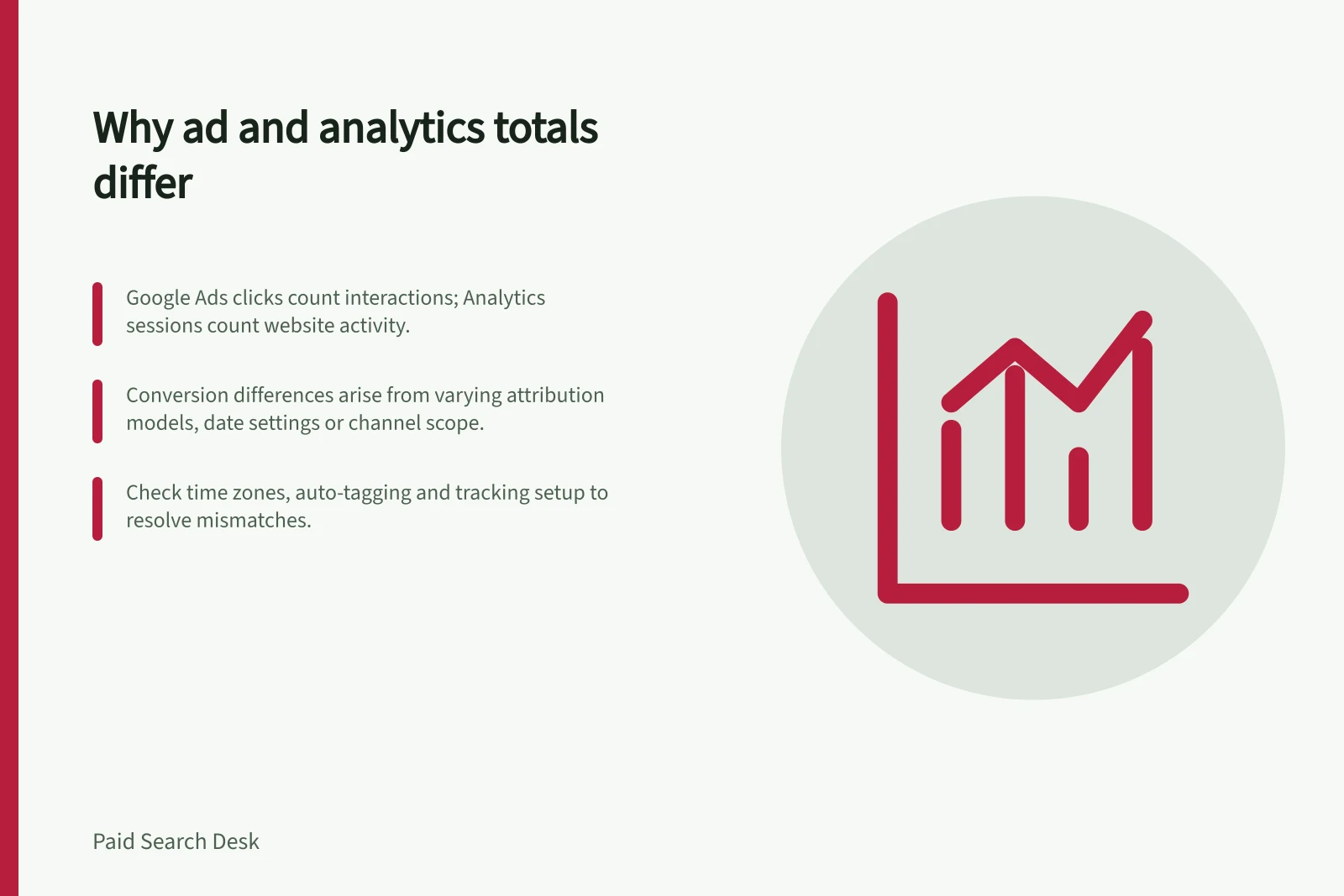
Google Ads clicks and Google Analytics sessions count different things, so their totals are not expected to match. A click is an ad interaction; a session is a group of website activity.
Google Ads conversions and Analytics key events can differ because the selected action, date, counting rule, attribution view or channel scope differs. Compare like with like, then investigate tracking if a gap remains unexplained.
Key facts about tracking differences in Australian digital marketing
- Common mismatchAds clicks often exceed Analytics sessions due to multiple clicks in one visit.
- Time zone impactAustralian advertisers should use AEST or AWST in reporting settings to align dates.
- Secondary actions in AdsThese appear in ‘All conversions’ but not in ‘Conversions’—ensure correct column comparison.
Check what each measure counts
Two ad clicks within one visit can appear as two Google Ads clicks and one Analytics session. A later return visit can add a session without another ad click. Neither figure counts customers.
Put the action name beside each outcome number. An Analytics key event may show an important website action across channels; a Google Ads conversion may be based on an Analytics event, a separately measured action or an imported later outcome.
Google Ads conversion actions can include primary and secondary actions. Secondary actions appear in the “All conversions” column, not the “Conversions” column, so compare the same actions and column before deciding tracking is at fault.
| Mismatch | First checks |
|---|---|
| Ads clicks exceed Analytics sessions | Multiple clicks within a session, an incomplete page load, tagging or redirects |
| Analytics sessions exceed Ads clicks | Returning visits or a different attribution view |
| Ads conversions differ from Analytics key events | Event identity, channel scope, selected actions and counting rule |
| Daily totals differ | Click date versus event date and account or property time zone |
These are possible explanations, not diagnoses of an account. Use the relevant report totals and columns to check whether the measures actually match.
Align dates and attribution
Date boundaries and time zone settings can affect where a conversion or key event appears. Compare the same action over the same date range, and check the time zone settings. Australian examples of local time include AEST and AWST.
An Analytics report may credit a key event across channels, while a Google Ads report is based on its conversion actions and related settings. Lookback windows, attribution models and filters may also differ; Google Ads conversion reporting can be delayed when a non-last-click attribution model is used.
Check the settings applied to each report instead of applying a generic adjustment percentage.
Investigate a remaining gap
Narrow the check to one campaign, landing page, action and date range. Review whether the accounts were linked for that period, how auto-tagging was configured and whether redirects retained the intended tracking information.
Check whether the Analytics tag could load on the final page and whether the success event was recorded as intended. A click and a session may not correspond one-to-one, so review tracking setup in the relevant platform.
If you use a permitted test journey, define what each system should record before running it. Allow for processing time when comparing results.
Explain the difference to sales
Keep ad delivery, website visits, recorded actions and sales-accepted requests distinct; use intake records to establish whether enquiries were missed. Assign an owner to any unresolved tracking question.