Offline Conversions
Part of Search landing-page relevance
Checking form friction for paid search visitors
A form can lose a relevant search visitor after the page has answered their question. Ask only for information needed to handle the next step. A quote request may …
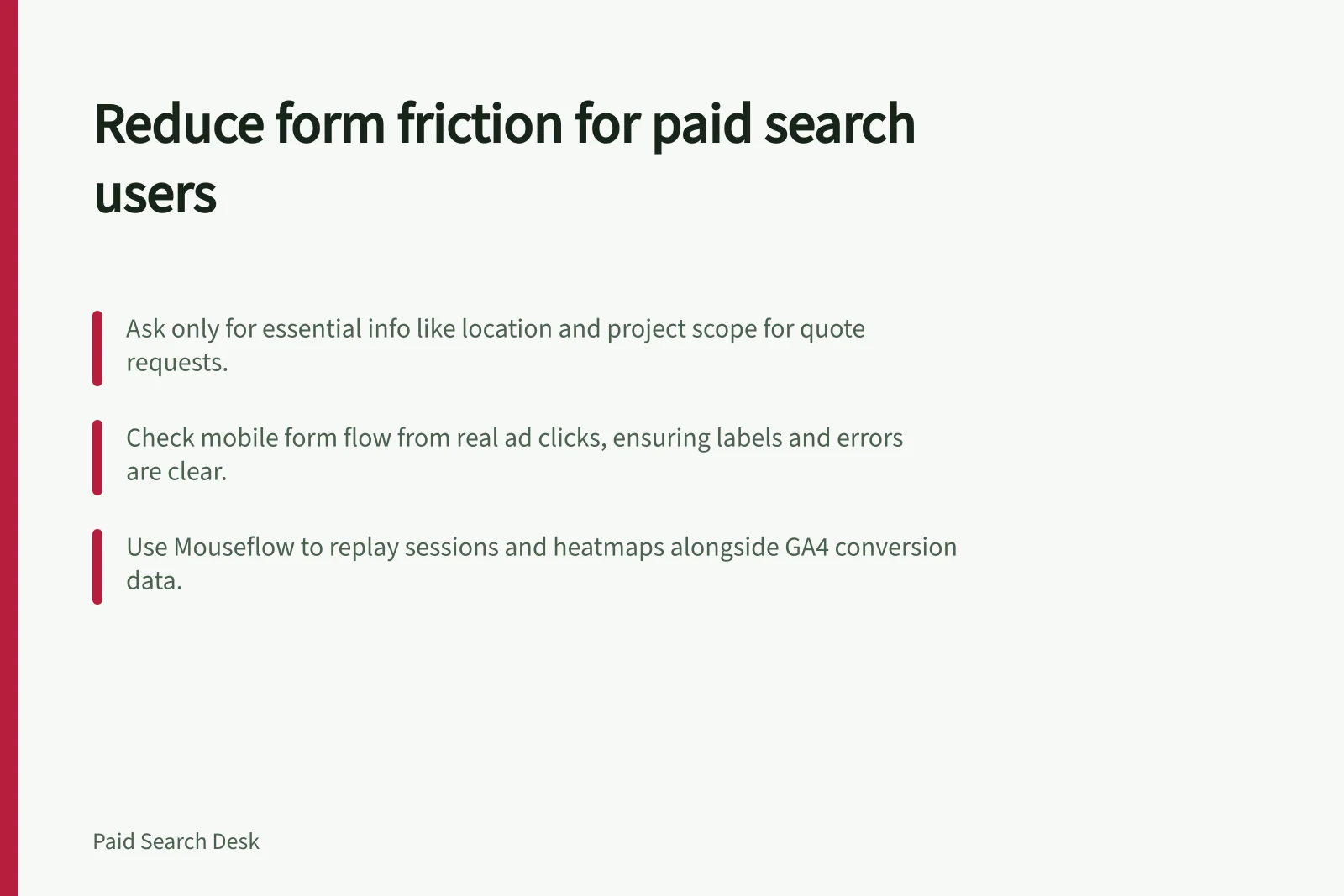
A form can lose a relevant search visitor after the page answers their question. Ask only for information needed to handle the next step; a quote request may need location and project scope, while a download may not need a phone number.
Follow a real paid search ad path on mobile. Check that the form appears where the promise leads, labels are clear, required fields are explained, errors preserve entered answers and submission gives a useful confirmation.
To keep the check specific to paid search, open the page from a real ad click and note the route to the form and confirmation. In Google Analytics 4, review traffic and conversion metrics alongside its Google Ads integration, and confirm which form events your setup records before counting starts.
Use Mouseflow to investigate what visitors experience: it includes form analytics, session replay and heatmaps. Replay individual visits and use heatmaps to spot patterns in clicks, scrolling and movement around the form, then compare those observations with GA4 traffic and conversion metrics.
Test keyboard navigation by moving through the form without a mouse. Check that you can reach the fields, correct errors without losing answers and complete the submission.
Use Chrome DevTools Network to inspect what happens during submission. Open the Network panel, reload the page and submit the form; check the request’s HTTP status, type, initiator, size and time in the network log.
Test an ordinary slow connection as well. Chrome DevTools can simulate Slow 4G; the preset uses 562.5 ms request latency and 1.4 megabits per second data transfer, so repeat the form journey under that condition and check that it remains usable.
Keep the intended action easy to find, with the most important information near the top of the page.
Review each field with the receiving team. Ask who uses it, at what stage, and what happens if it is missing.
If the team never uses a field, remove it or make it optional. Do not shift essential qualification into a vague “other” box that forces a later call to recover basic context.
Measure started forms, valid submissions and qualified follow-up separately, along with form errors and lead quality. Use GA4 traffic and conversion metrics and your form analytics to compare outcomes; the available guidance does not name a form-start event or an acceptable benchmark.
Fewer fields may increase submissions while reducing useful information; a longer form may deter suitable buyers. Change one meaningful element at a time and compare the result, including form-error rates and lead quality, rather than optimising for raw completion alone.