Offline Conversions
Part of Offline conversion imports
Checking upload delays before judging a bidding model
Separate business-event, CRM upload and Google Ads processing delays before judging bidding results based on imported conversions.
Before judging bidding that relies on imported outcomes, trace when outcomes occur, when they are uploaded and when processing results appear in reporting. Recent clicks may have complete spend but incomplete qualified-lead or sales results, so a weak recent cost per conversion may describe an unfinished period.
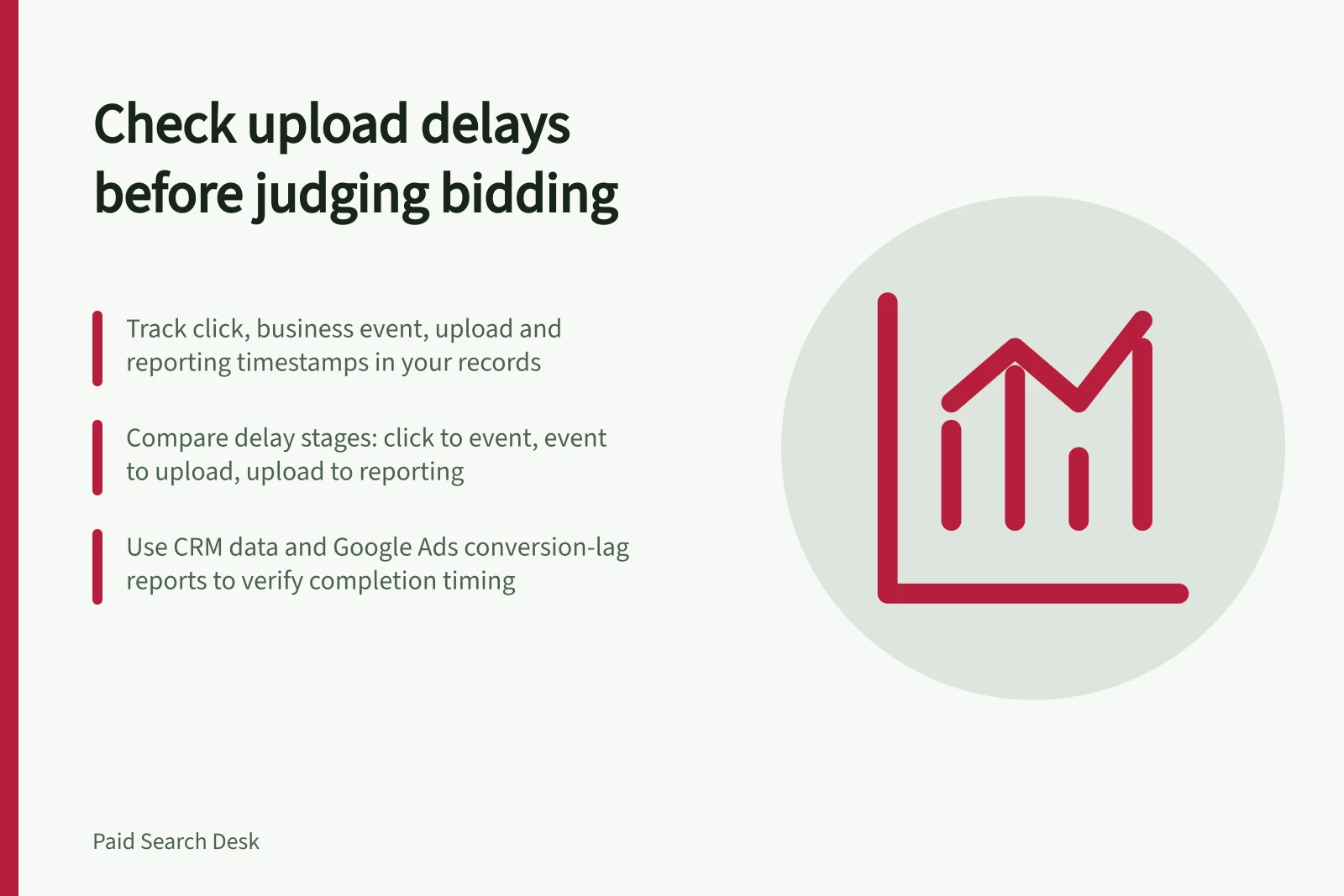
Separate the delays
Keep the ad-interaction or lead date where available, plus the business-event time, upload time and processing result in the business’s own records. Use the same click-period basis when comparing these timestamps with reported results.
| Delay | What to investigate |
|---|---|
| Click to business event | In the CRM, compare click or lead dates with event times and identify outcomes still pending |
| Business event to upload | Compare event times with export cut-offs and upload times; check review queues, failed runs and rejected rows |
| Upload to reporting | Compare upload time with the processing result; check attribution and the chosen reporting date basis |
An upload timestamp is not a conversion time. Keep upload and job-status timing in the business log, and compare them with the business-event time.
Key Delays in Offline Conversion Upload Pipeline
- Click to business eventTime from ad click to business event (e.g. lead or sale) in CRM
- Business event to uploadTime from business event to export cut-off and upload to Google Ads
- Upload to reportingTime from upload to processing result in Google Ads reporting
Check the import pipeline
Inspect the last successful export, rejected rows and the account’s available offline data diagnostics. In the CRM, check whether recent leads remain pending, whether records changed after an export cut-off and whether an upload job failed.
Use Google Ads Help’s “Fix discrepancies and errors in offline conversion imports” to investigate import errors, and “Guidelines for importing offline conversions” to check import requirements. For GCLID-based imports, consult “Set up offline conversions using Google Click ID (GCLID)”.
Check the actual connector’s configured lookback against the age of the events being sent. If you cannot verify its lookback, do not assume it will recover older events.
Steps to Verify Import Pipeline Integrity
- Inspect last successful exportConfirm no gaps in data exports from CRM
- Review rejected rowsCheck for failed or invalid conversion records
- Check offline data diagnosticsUse Google Ads account diagnostics to identify import issues
- Verify connector lookback windowEnsure events sent are within configured lookback period
Compare click periods with similar time to mature
Use Google Ads conversion-lag reporting to gauge historical platform lag; Google Ads Help’s “Find your conversion lag reporting data” covers where to find it. Then check the business’s event and upload records, because platform lag does not show how long qualification, sale or export takes.
Set the review horizon from the timing observed in the business’s own records: click to business event, then event to upload and processing result. Compare each click period’s age with that observed path, and mark it incomplete while material outcomes or uploads are still due.
For a before-and-after comparison, record the conversion action, campaign goal, counting rule, import method and reporting date basis beside the bidding change. Compare click periods with similar time for outcomes to occur and upload.
Check accepted enquiries or sales in the CRM separately. If the event definition or upload schedule changed with the bid setting, the platform trend cannot confidently be attributed to bidding.
Assess the bidding model only when the comparison click periods have passed the business’s observed event and upload delays, relevant exports have succeeded, and known outcomes have a processing result. Hold judgement while material outcomes remain due or import errors are unresolved.
Comparison of Click Periods with Similar Time to Mature
- Observed delay pathClick → business event → upload → processing result (based on internal records)
- Maturity thresholdTime required for outcomes and uploads to complete before judging bidding model