Offline Conversions
Offline conversion imports
Define an offline conversion, match it to an ad interaction, check import results and interpret reported outcomes before using them for bidding.
Offline conversion imports connect an ad interaction with a later business outcome, such as an accepted lead or closed sale. They are useful when a form submission or call is only the start of the customer journey.
Define the outcome
Decide whether the event is a submitted enquiry, a qualified lead or a closed sale, and keep the definition narrow enough that only that event is imported. Do not label an open enquiry as a sale or assign it an unsupported sale value. Record the details below before setup so the event stays identifiable in both the business records and the import.
| Decision | Record before setup |
|---|---|
| Event | The business action and who confirms it |
| Identity | The lead or order ID connecting business records |
| Time | When the event occurred, including its time zone |
| Value | A supported value, or no value where one cannot be established |
| Correction | Who handles rejected uploads and changed outcomes |
Qualification and closure are business definitions rather than labels: the same form submission may be an enquiry for one advertiser and a qualified lead for another. Apply the same classification each time so the imported event remains consistent.
Give the imported event a conversion action name that reflects the defined outcome. Record its actual event time and, only where supported, its value; keep these tied to the business record.
Connect the outcome to an ad interaction
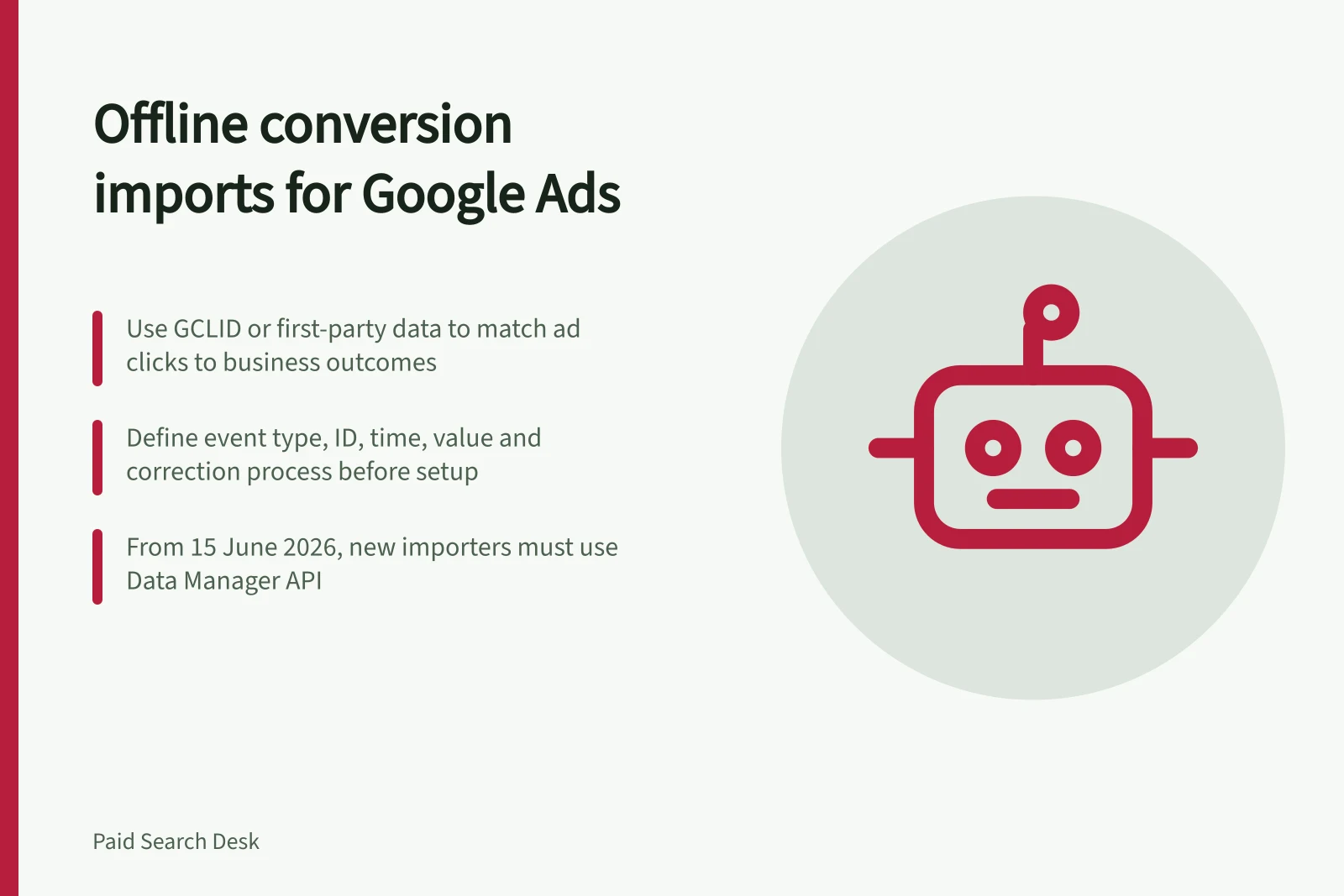
Choose the import route before building the process. File-based imports can use a CSV file or Google Sheets; integrations can use the Google Ads API or Data Manager API. Data Manager API is the primary route for offline conversion imports, while Google Ads API remains a route for eligible existing importers.
The Google Ads API offline-import method is ConversionUploadService.UploadClickConversions. From 15 June 2026, new adopters were directed to Data Manager API; existing importers could continue during the transition while integrating with it.
GCLID, or Google Click ID, is the named click identifier for a classic click-based import. Email and phone are examples of first-party data used with enhanced conversions for leads; compare the chosen route’s accepted data and consent requirements before setup.
Capture the chosen matching data when the lead is created and carry it through to the sales record. Keep it with the upload; where the match key is a click identifier, preserve that identifier through to the sales record.
Send and check the events
Create the offline conversion action and connect a data source that can deliver the events. Map the conversion action name, actual event time, accepted matching data and any supported conversion value to the chosen import route. Keep a stable internal event ID and preserve the original event time when retrying an upload.
Review a permitted sample against its source records, upload results and offline data diagnostics. Check the uploaded action name, event time, matching data and supported value against the business record. An accepted upload does not guarantee an attributed conversion; matching, counting and processing can all affect reporting.
For an API integration, check the current route before building it. From 2 February 2026, new adopters of session attributes or IP address data in conversion imports are restricted from using those fields and are directed to the Data Manager API.
Key Dates for Offline Conversion Imports
- 15 June 2026New adopters directed to Data Manager API; Google Ads API transition period ends
- 2 February 2026New adopters restricted from using session attributes or IP address in imports
- Deprecation of legacy methodsOlder APIs and formats will be phased out; update integrations before cutoff
Interpret the result before using it for bidding
Before an imported action influences bidding, confirm how the action is configured in the account. A primary action can be used for bidding, while a secondary action remains available for observation. Check which campaign goal draws on the action before treating it as a bidding signal.
Keep business outcomes, upload results and attributed Google Ads conversions as separate figures; they answer different questions and will not agree. Leave recent periods provisional while business outcomes, uploads and processing are still pending.
If a sale is cancelled or its value changes, review the guidance on conversion adjustments before deciding how to represent the change.
In this guide
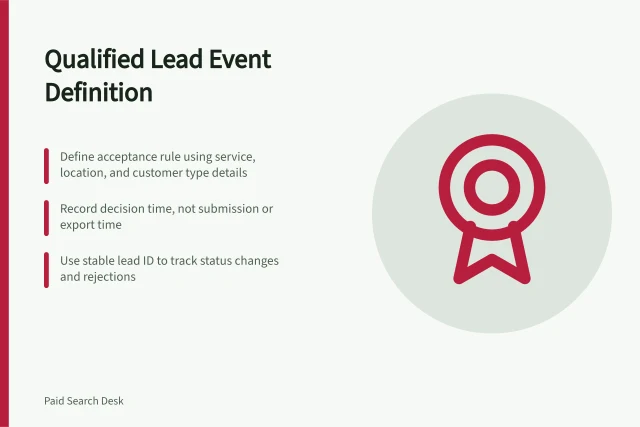
- Defining a qualified lead event for ad platformsDefine the CRM decision, event time and status rules behind a qualified-lead import so the ad-platform event has a consistent meaning.
- Matching click identifiers to a CRM sales outcomeTrace a Google Ads click identifier through lead and deal records, then check the import without assuming every CRM sale will be attributed.
- Preventing duplicate offline conversionsDefine one business event, keep its ID and time stable on retries, and understand Google Ads duplicate, counting and adjustment rules.
- Checking upload delays before judging a bidding modelSeparate business-event, CRM upload and Google Ads processing delays before judging bidding results based on imported conversions.