Offline Conversions
Part of Paid search conversion measurement
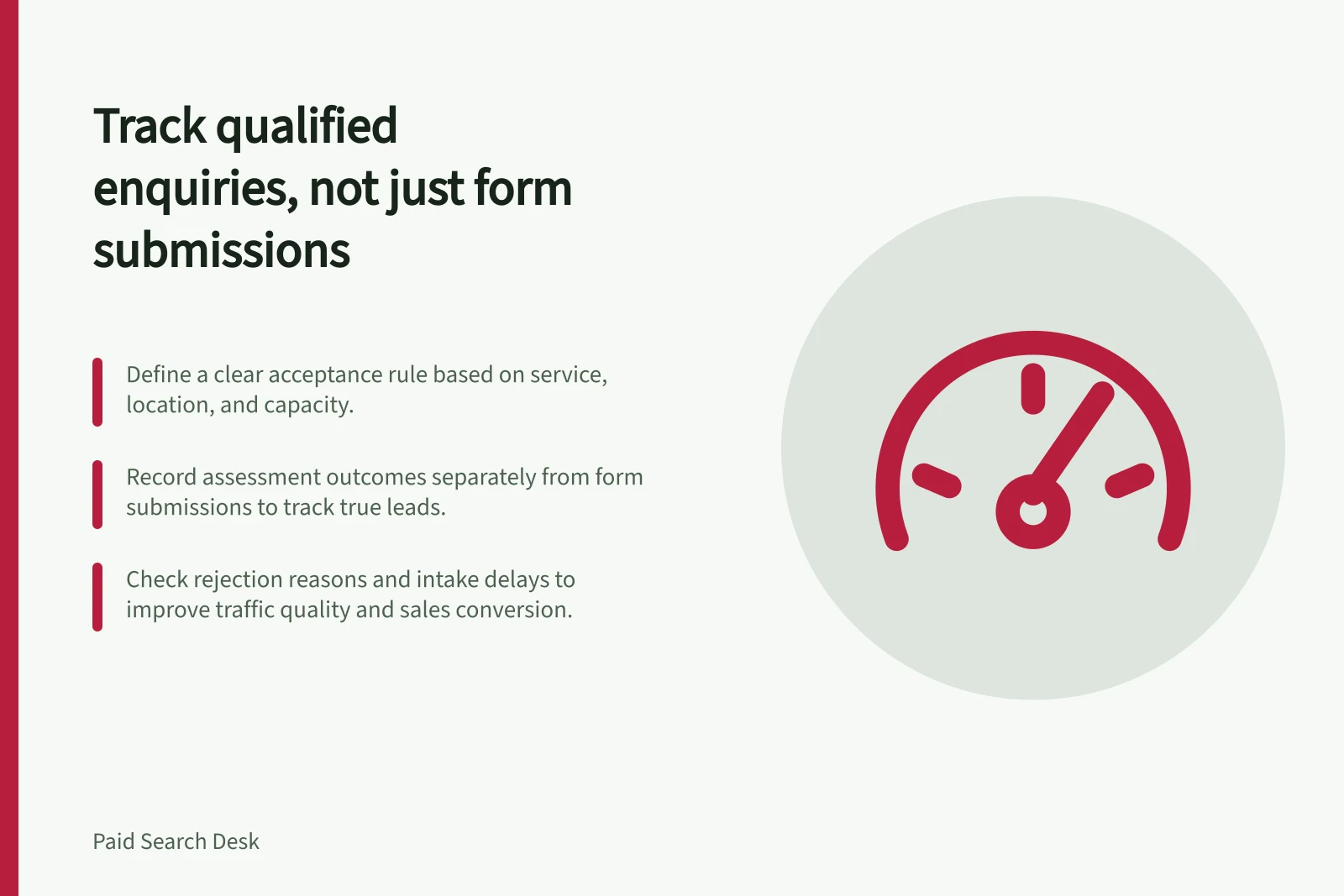
Tracking qualified enquiries rather than every form submission
Define an accepted enquiry, connect it to the original form and keep pending requests, duplicates and sales distinct.
Track a qualified enquiry when the business has assessed a real request against what it can deliver.
Keep the form submission as a separate earlier event. That distinction shows which paid search enquiries the team can use, rather than only how many forms arrived.
Define the acceptance rule
Ask the people handling enquiries to agree on a rule they can apply consistently. Depending on the offer, it may cover the requested service, job location, customer type and ability to follow up.
Record why a request is rejected. A person who did not buy is not automatically an unqualified enquiry: qualification and sale are different stages.
For a hypothetical commercial refrigeration repairer, a request about eligible equipment in its service area might pass an initial fit check. A household appliance request might fall outside its offer.
The business's actual services and capacity decide the outcome; these are not observed leads.
Record / Purpose
- Submission ID and time
- Identify the original request and repeats.
- Requested service and location
- Apply the business's acceptance rule.
- Accepted, rejected or pending status and reason
- Preserve the assessment decision.
- Later sales outcome and date, when known
- Keep a sale distinct from qualification.
Carry a stable internal ID from the form into the enquiry record. When someone submits again, decide whether it is a new request or a duplicate before counting another accepted enquiry.
Leave unassessed requests as pending; recent requests should not silently become rejections.
Keep recorded events separate
A website form event shows that a submission was recorded. It cannot show whether the team accepted the request.
Keep the later assessment recorded separately from the submission so the business can distinguish these stages.
Record the assessment against the internal enquiry record. If the business later connects assessment outcomes to ad measurement, treat that as a separate platform-measurement task.
Keep the business's intake outcome separate from any platform reporting status; assess acceptance using the agreed business rule.
Form Submission vs. Qualified Enquiry
- Form SubmissionRecords that a form was submitted. No assessment of fit or feasibility.
- Qualified EnquiryA request assessed and accepted based on the business’s service scope and capacity.
Check the assessment process
For a chosen intake period, compare submissions with assessed, pending and duplicate records.
Look at rejection reasons that matter to this offer, such as a service the business does not provide, an unsupported location or insufficient information.
Check whether requests reached the team and whether assessment was delayed before judging traffic quality.
If many assessed requests are outside the offer, compare their actual wording with the ad and page promise. If accepted requests rarely become sales, examine the later sales path separately.
Date any change to the acceptance rule so enquiries assessed under different rules are not treated as directly comparable.
Enquiry Assessment Metrics
- Total Form Submissions
- To be tracked per campaign or source
- Accepted Enquiries
- Only those meeting the business’s acceptance rule
- Rejected Requests
- With documented reasons (e.g., location, service not offered)
- Pending Assessments
- Requests awaiting evaluation – do not auto-reject