Offline Conversions
Paid search conversion measurement
Measure paid search from recorded actions through accepted enquiries and sales, with clear conversion goals, counting rules and reporting dates.
Paid search conversion measurement begins with the business outcome, then records each step between an ad interaction and that outcome. A form submission, an accepted enquiry and a confirmed sale answer different questions; keep them separate so a rising conversion total does not hide a fall in useful work. Treat Google Ads recorded actions as measured events. Review accepted enquiries and confirmed sales against business records.
Map the customer path
For each campaign, identify the action a visitor can take, where it is recorded and who confirms what happens next. A retailer can compare recorded purchases with its order system. A service business may need its team to assess enquiries before judging quality.
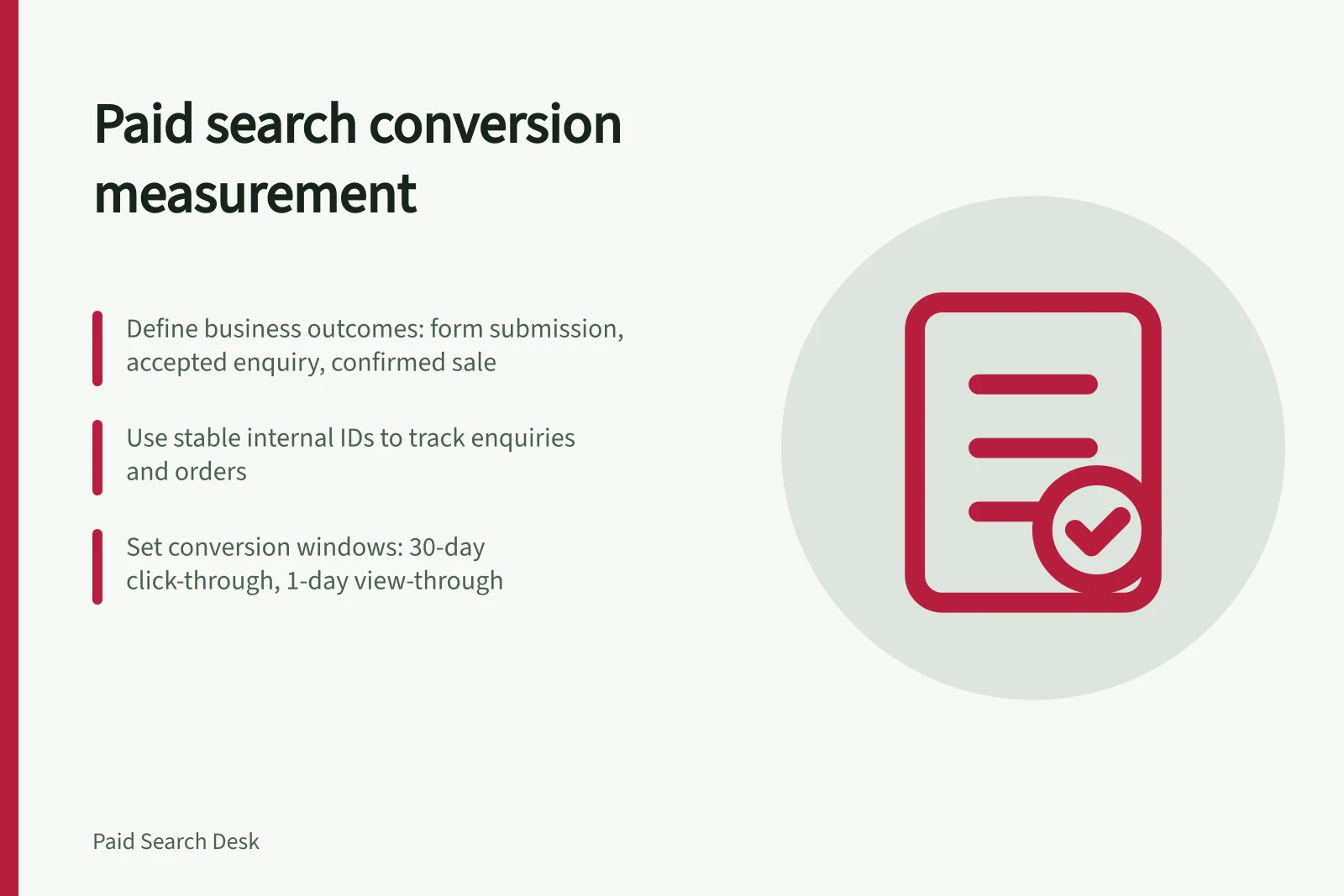
Examples of actions to define include a form submission, a call, a purchase, a newsletter sign-up or time spent on a page. These are recorded actions; they do not all represent an accepted enquiry or completed sale.
| Stage | What to record | What it cannot establish alone |
|---|---|---|
| Website or call action | A purchase, form submission or tracked call | Whether the order stands or the request is suitable |
| Accepted enquiry | A request the business can serve and follow up | Whether a sale will close |
| Confirmed sale | A completed transaction in the business record | Whether the ad created demand that would not otherwise exist |
Conversion Action Types and What They Cannot Establish Alone
- Website or call action
- Does not confirm if order stands or request is suitable
- Accepted enquiry
- Does not guarantee a sale will close
- Confirmed sale
- Does not prove ad created demand that wouldn’t exist otherwise
Decide which actions guide bidding
Google Ads distinguishes primary from secondary conversion actions. Review and document each action's primary or secondary setting, then identify the stage intended to guide bidding.
For a lead campaign, decide which stage should guide bidding. Do not treat an early form submission and a later qualified enquiry as interchangeable.
Set counting and identity rules
Google Ads offers two counting options: one conversion per click or every conversion per click. The first counts no more than one conversion per click; the second can count multiple conversions after one click, such as three purchases. Choose according to whether repeat actions represent distinct outcomes for that action.
Keep a stable internal ID for each enquiry or order. Check whether a page reload or a second tracking route records the same event twice.
Record each action's conversion window alongside its definition. A 30-day click-through window and a 1-day view-through window are a reasonable default for most B2B and B2C businesses. Record the actual setting for each action rather than assuming those values apply. Date any setting change before comparing reporting periods.
Verify the path
Follow a business-approved test path from the ad destination to the form or checkout. Use Google Tag Assistant to check whether the Google Ads conversion tag fires on the intended target page. A tag firing confirms a recorded event, not an accepted enquiry or completed sale.
Check that a successful action records once and a failed submission does not record as a success. Confirm the business record carries the expected ID and value where applicable.
For enquiries, compare submissions with the team's acceptance decisions. Define accepted, rejected and pending cases before interpreting cost per lead.
Verify the Conversion Path: Key Validation Steps
- Test path from ad to target page using a business-approved flowEnsure conversion tag fires on intended page
- Check successful actions are recorded once onlyAvoid duplicate tracking from reloads or multiple routes
- Compare submissions with team acceptance decisionsDefine accepted, rejected and pending cases in advance
Read platform and business figures together
Before comparing Google Ads and sales-system figures, state which date each uses. Google Ads can credit a conversion to the ad click date; GA4 records it on the date the conversion happened. For example, a 1 March click followed by a 14 March form can be credited to 1 March in Google Ads and recorded on 14 March in GA4. Allow for processing and sales delay.
Attribution also changes credited totals: last-click assigns credit to the last touchpoint, while data-driven attribution distributes credit across multiple touchpoints and can report fractional conversions. Review the attribution model when interpreting differences between reports.
Review ad spend, recorded actions, accepted enquiries and confirmed sales together. Match records using IDs held in the business's own systems where possible, and investigate unmatched cases. Totals can differ because they cover different stages, dates, counting rules and attribution.
Keep a dated register of each action's definition, source, selected goal, primary or secondary setting, counting rule, window and owner. It makes a change in the reported number easier to explain.
Align Platform and Business Reporting for Accurate Insights
- Review attribution model impactLast-click vs data-driven attribution changes credited totals
- Match records using internal IDsInvestigate unmatched cases across ad spend, actions, enquiries and sales
In this guide
- Choosing primary conversions for biddingChoose Google Ads conversions for bidding by checking business value, data quality, campaign goals and overlap between lead stages.
- Tracking qualified enquiries rather than every form submissionDefine an accepted enquiry, connect it to the original form and keep pending requests, duplicates and sales distinct.
- Reconciling search ad conversions with confirmed salesCompare Google Ads conversions with confirmed sales using business records, event dates and clear reasons for unmatched totals.