Offline Conversions
Part of Search campaign account audits
Reviewing conversion settings before changing bids
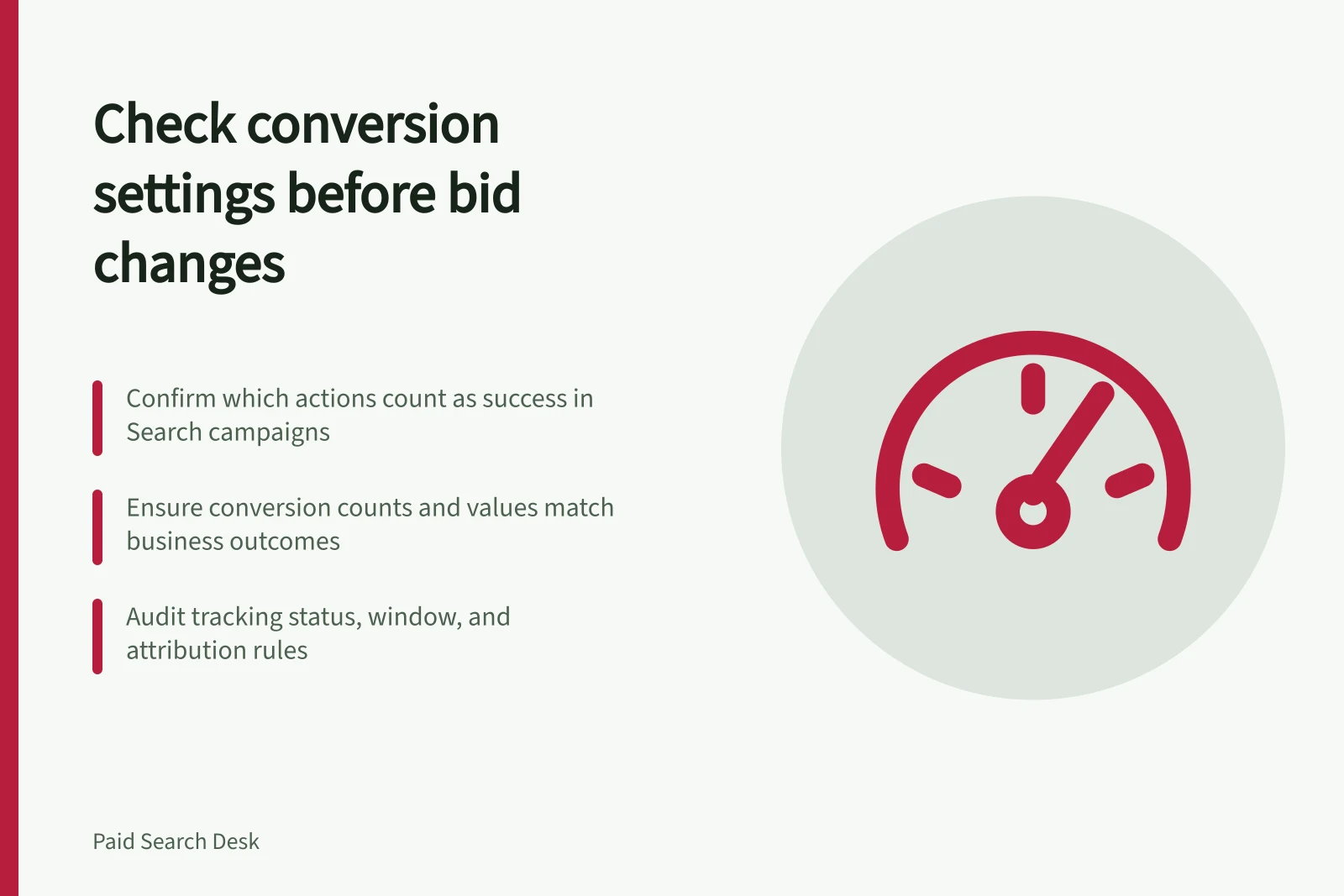
Check campaign goals, action settings, counting, values and conversion delay before using reported results to change Google Ads Search bids.
Before changing bids, confirm which actions the Search campaign treats as success and whether they are recorded reliably.
A bid change cannot repair a conversion event that fires twice, counts a routine page view as a sale or misses accepted enquiries.
Save the current settings first so a later comparison has a clear starting point.
Identify the campaign's bidding signal
Open the campaign's conversion goals. List the selected goals and their actions, and note whether the campaign uses account-default or campaign-specific goals. For each action, record its source, primary or secondary setting, and whether it contributes to the campaign's Conversions total. Segment campaign conversions by action to see what the total combines.
For a standard goal, a primary action is eligible for bidding when the campaign selects that goal; a secondary action is generally observed in All conversions. A selected custom goal is an exception: an action it contains can guide bidding even when marked secondary. The primary label alone does not establish what this campaign is optimising towards.
If a lead campaign counts both a form submission and its later accepted enquiry, check whether the total combines two stages of one journey. Record the business outcome the current bid decision should serve.
Inspect the rules behind the count
| Setting | Audit question |
|---|---|
| Count | Is the action set to One or Every, and does that fit the event? |
| Value | Is it a recorded amount or an explained estimate? |
| Conversion window | Could the outcome occur after the selected window? |
| Attribution and reporting date | Which interaction receives credit, and which date is being compared? |
| Tracking status | Is there an issue to investigate before relying on the result? |
One counts at most one conversion for an action after an ad click; Every counts each recorded conversion for that action. Neither setting deduplicates the underlying business records. A conversion window limits how long after an ad interaction an outcome can be recorded in Google Ads. These settings can change reported totals without changing the number of real customers.
A No recent conversions status calls for investigation, but can reflect low activity rather than a broken tag. For a website event, check that success and failure paths produce the intended records. For an imported event, review the business event, upload result and action-level reporting. Those checks must be run in the actual account before the signal is treated as dependable.
Key Conversion Settings Audit Points
- Tracking Status
- Must be 'Active' or 'Validated' to rely on data
- Value Type
- Either actual transaction amount or estimated value (ensure consistency)
- Attribution Model
- Default is last-click; verify alignment with business logic
Allow for business outcomes and delay
Ask which enquiries were accepted or which orders were retained. A correctly recorded form submission may still be commercially weak if it includes requests outside the offer. Recent clicks can also have outcomes still awaiting assessment or reporting.
Google Ads provides a Days to conversion view of historical delay. Use a mature historical period and the relevant action; do not judge recent spend against incomplete conversions. Record changes to action definitions, values, windows or import schedules because they complicate before-and-after comparisons.
Decide whether the bid review is ready
Mark the signal usable, usable with a stated limit or needs correction. A usable signal has a clear event definition, a campaign goal that selects it, a count and value the business understands, and no unresolved recording fault material to the decision. Where these remain uncertain, resolve the measurement question before changing a conversion-based bid target.
When the signal is dependable, record the current strategy, target, budget and business outcome for review. Allow for conversion and assessment delay after a change. Check any improvement in platform cost per conversion against the work the business accepted.