Shopping
Writing useful search advertisements
Write search ads that answer a buying question, make supportable claims and lead to a page that fulfils the promise.
A useful search ad answers a likely buying question, gives a reason to consider the offer and leads to a page that fulfils the promise. Start with what the business can provide and what the visitor should be able to do after clicking.
Google Ads and Microsoft Advertising are examples of platforms for search ads. Check the format in the platform you plan to use before drafting the assets.
Define the offer before writing
Record the product or service, who can obtain it, important conditions and the intended page. If the business repairs equipment but the page only describes new equipment sales, better ad wording will not fix the mismatch.
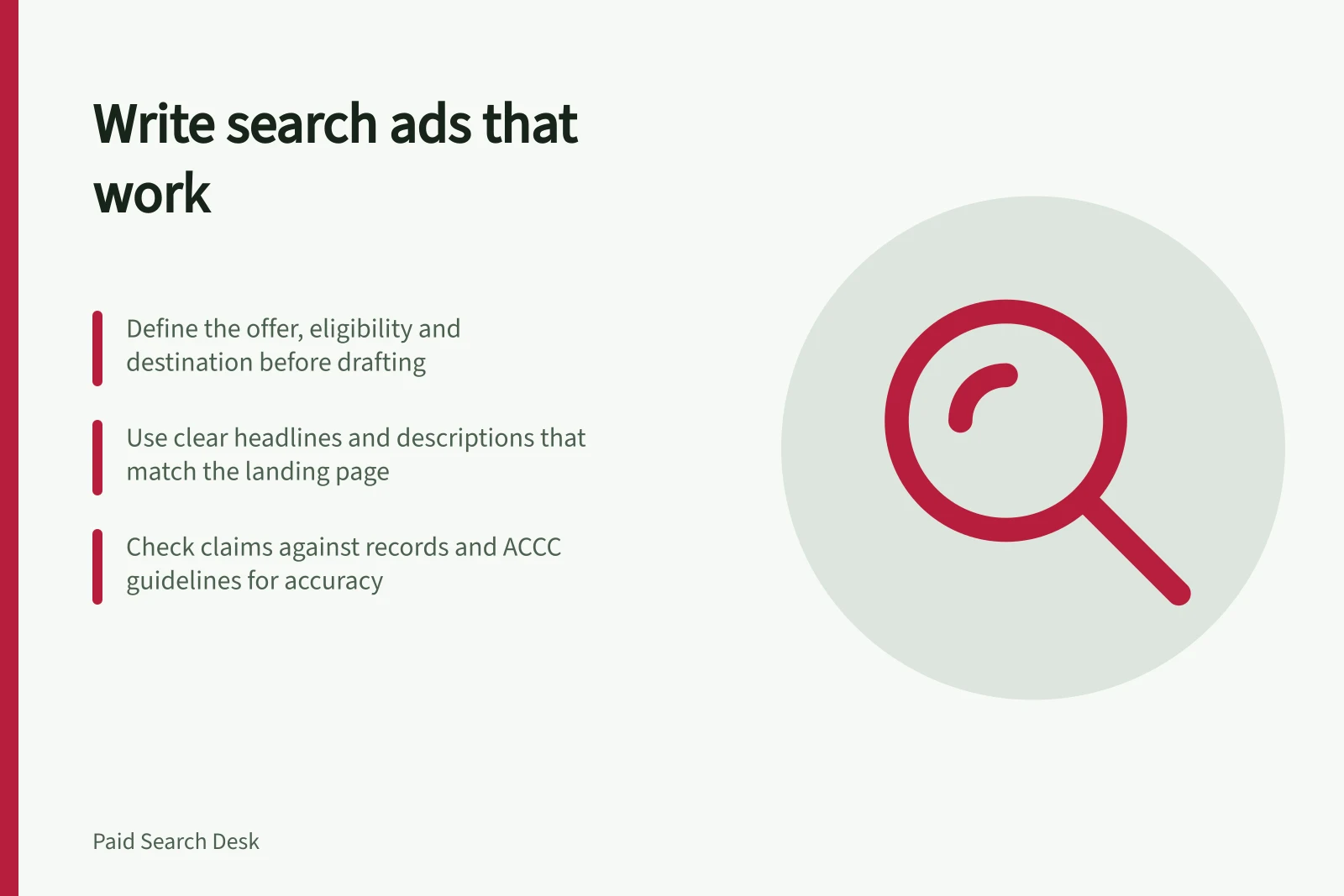
Before drafting, put the offer, eligibility, conditions, intended page and visitor action in one brief. This gives the writer a factual boundary for the ad and a clear destination to check.
| Question | What to establish |
|---|---|
| What does the searcher appear to need? | The task behind the words, including any ambiguity. |
| What can the business offer? | A product, service or next step it can fulfil. |
| Why consider it? | A relevant detail the business can verify. |
| What happens after the click? | A page that confirms the offer and supports the advertised action. |
Creating a compliant and effective search ad
- Define the offerIdentify the product/service, eligibility, conditions, and intended destination page.
- Answer the buyer’s questionUse headlines to state the offer and descriptions to add a verifiable reason to consider it.
- Match CTA to destinationEnsure the call to action (e.g., ‘Get a quote’ or ‘Buy now’) leads to a functional page.
- Verify claimsKeep a record of each claim, supporting evidence, scope, and responsible person.
- Review full journeyTest that the search → ad → landing page path is consistent, clear, and fulfils the promise.
Put the answer in the ad
Use a headline to identify the offer or answer the immediate question. Use a description to give a detail that helps someone decide whether to continue. Match the call to action to the page: a quote request needs a quote route, while a buy invitation needs a way to purchase.
For a page that offers running shoes, an illustrative pair is the headline “Running shoes” and the description “Explore running shoes”. Use wording like this only if it accurately describes the offer and the destination.
An ad must leave an accurate impression even when space is tight. Ensure the wording gives a clear picture of the offer and its conditions. If an offer applies only to certain products or locations, do not make an unqualified promise and rely on the destination page to correct it.
Give a reason that can be checked
“Best service” rarely helps someone choose. A current product range, service boundary, booking option or written warranty term may be more useful if it answers the buyer’s question. Verify the detail against business records and the destination page. A comparison such as “cheaper” or “faster” also needs a fair, current basis and a clear scope.
For example, if business records confirm a written warranty term, state only the term those records support. If the evidence does not support the wording, describe the offer more narrowly or omit the claim.
Keep one claim record with the exact wording, supporting business record, relevant scope and person responsible for checking it. As a pre-publication check, confirm the support exists before the claim goes live. Update the record when the offer changes.
Understand the ACCC’s role
The ACCC accepts reports about possible misleading or false claims and uses them to inform its education, compliance and enforcement work. It can require businesses to back up claims about their products or services.
If a business misleads, the ACCC may investigate and take compliance or enforcement action. It does not resolve individual disputes about misleading claims or provide legal advice.
Check the serving format
Prepare distinct headline assets that identify the offer, give a useful reason to consider it or state the next step. Use descriptions to add relevant detail, and vary the wording rather than repeating the same message. Make each asset clear on its own and ensure combinations still communicate a coherent message.
For a responsive search ad, treat headlines and descriptions as separate assets that may appear in combinations. Google Ads and Microsoft Advertising are examples of search-ad platforms. Check the format, asset fields and character limits in the platform you will submit to, and review any available serving preview.
Check that each asset carries any conditions needed to keep the message accurate. Keep important qualifications close to the claim, and avoid relying on one asset to correct another.
Read the whole path before submission
Put the likely search, ad and destination side by side. Does the ad offer the right thing? Is any material limit clear? Can the visitor confirm the offer and take the promised next step?
Check that the offer is available and easy to confirm from the destination. Ensure the page also makes the promised next step possible.
Check prices, availability and claims with their owners before submission and when they change. Check the platform’s advertising policies before sending the ad for review. Once an ad is live, compare reported results with enquiries or sales the business considers useful. Clicks and platform diagnostics cannot establish whether the resulting work was suitable.
Pre-submission ad review checklist
- Does the ad match the search intent?Yes, the ad answers a likely buying question with clear offer details.
- Is the offer clearly stated and accurate?Yes, the headline and description reflect the actual product or service available.
- Are claims verifiable and supported?Yes, all claims are backed by business records and can be checked against the destination page.
- Is the destination page consistent with the ad?Yes, the landing page confirms the offer and allows the promised next step (e.g., quote request or purchase).
- Are conditions or limitations clear?Yes, important qualifications such as location or eligibility are included close to the claim.
In this guide
- Matching a search ad to a specific buying questionTurn a likely buying question into a clear search ad answer, then choose a page that confirms the offer and next step.
- Replacing empty superlatives with verifiable differentiatorsTurn vague search ad praise into relevant claims the business can support, qualify and keep current.
- Writing responsive ad assets that still make sense togetherWrite clear responsive search ad assets, check possible combinations and place essential conditions where they can appear.