Account Audits
Part of Seasonal paid search planning
Reviewing seasonal performance against a comparable period
Choose a defensible comparison period for seasonal Search results and account for offer changes, capacity, measurement and conversion delay.
Compare a seasonal Search campaign with a period that faced a similar opportunity, then explain material differences. The same dates last year may be useful, but they are not automatically comparable if the offer, stock, campaign coverage or measurement changed.
Choose a reference period for the decision
If the question is whether a recurring event improved, start with the same occasion in a prior year. Match the active offer length and, where useful, compare event-relative days such as launch day with launch day. Note a different weekday mix. A previous-week comparison may reveal a short-term shift, but can be a poor baseline for a known seasonal peak.
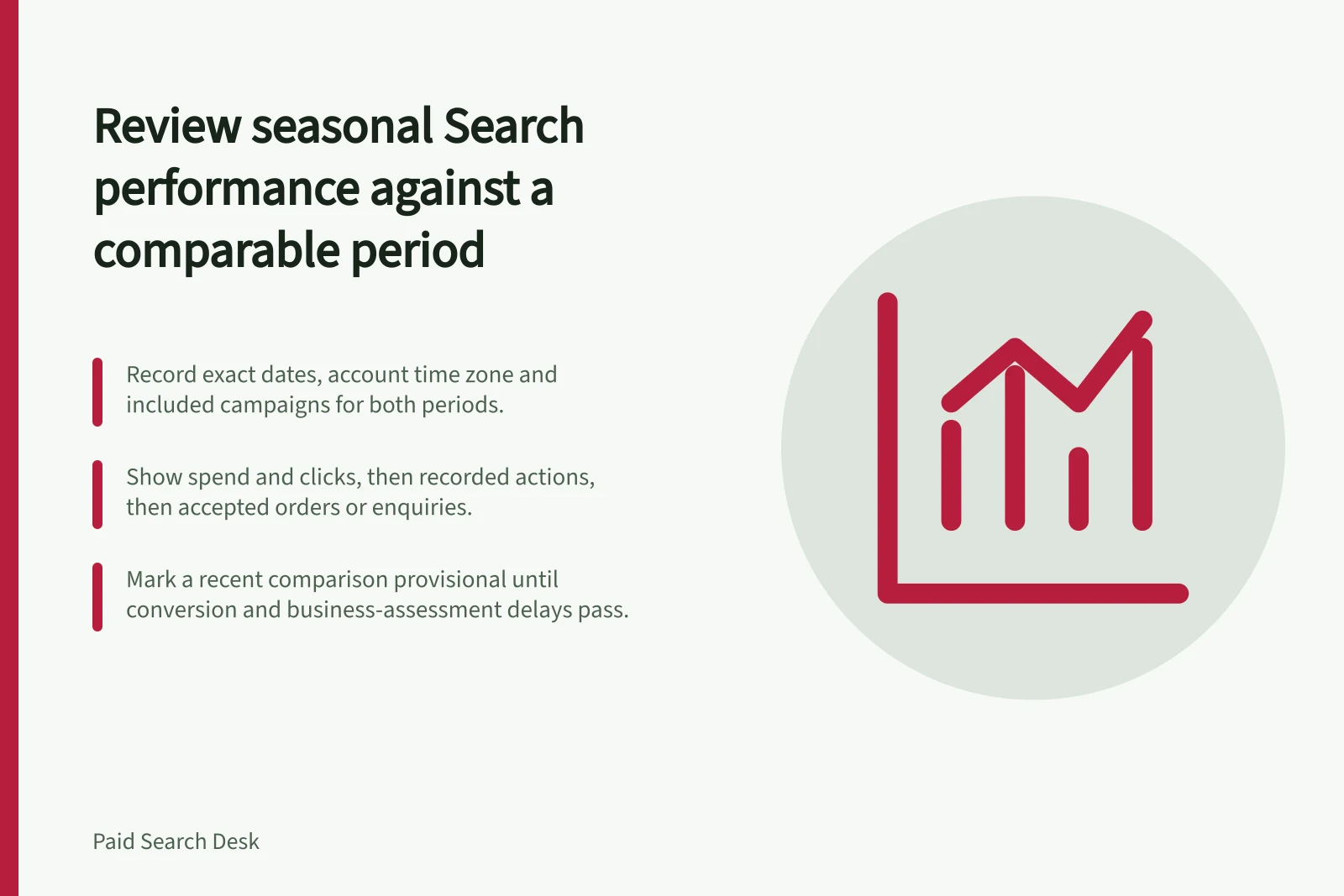
Choose comparison dates that suit the decision. A difference between periods describes a change in reported results; it does not establish the cause. Record the exact dates, account time zone and included campaigns for both periods.
Choosing a defensible reference period
- Same occasion in a prior yearStart here when the question is whether a recurring event improved. Match the active offer length and compare event-relative days, such as launch day with launch day.
- Previous weekMay reveal a short-term shift, but is often a poor baseline for a known seasonal peak.
Check what changed around the campaign
Condition / Question to record
- Offer
- Were price, discount, eligibility and landing page materially similar?
- Availability
- Were products, delivery options or appointments available on both sides?
- Campaign
- Did budget, bidding goal, targeting or active dates change?
- Measurement
- Were conversion actions, counting rules and business acceptance criteria consistent?
- Demand context
- Did event timing or other promotion activity differ?
Do not invent a percentage correction for these differences. Describe a comparison as qualified when its main definitions match but conditions differ. If a material definition changed, say the periods are not directly comparable and explain each period separately.
What changed around the campaign
- OfferWere price, discount, eligibility and landing page materially similar?
- AvailabilityWere products, delivery options or appointments available on both sides?
- CampaignDid budget, bidding goal, targeting or active dates change?
- MeasurementWere conversion actions, counting rules and business acceptance criteria consistent?
- Demand contextDid event timing or other promotion activity differ?
Read spend and outcomes together
Show spend and clicks, then recorded actions, then accepted orders or enquiries. If calculating cost per accepted enquiry, use spend and accepted enquiries from the same defined population. If none have been accepted yet, report that fact instead of a numeric cost. Separate own-brand and non-brand activity when they serve different purposes.
A change in spend divided by clicks shows a change in average cost per click; a change in clicks relative to accepted work shows a change in the observed outcome rate. Investigate offer, query mix, capacity and measurement before attributing either change to a campaign decision.
Read spend and outcomes in sequence
- Spend and clicksReport spend and click volume for both periods first.
- Recorded actionsThen show the conversions the platform recorded.
- Accepted orders or enquiriesThen show accepted business work. Calculate cost per accepted enquiry using spend and accepted enquiries from the same defined population.
Allow outcomes to mature
Recent conversions may continue to arrive after the clicks that led to them. Google Ads provides conversion-lag reporting. Mark a recent comparison provisional until the relevant conversion and business-assessment delays have passed. Label the reporting date basis and explain any relevant limitations.
End with a short decision record: what changed, which conditions limit the comparison, what business outcome is known and what to adjust next season. When several settings and the offer changed together, report an observed difference rather than a proven campaign improvement.