Account Audits
Part of Seasonal paid search planning
Protecting budget during a short sales event
Set an event spending boundary, choose a suitable Google Ads budget control and monitor spend against stock and useful outcomes.
Protect a short-event commitment by using a Google Ads campaign total budget where available, watching spend in Google Ads budget reports and setting a clear live pause or budget-revert trigger before launch.
Set the event commitment
Agree the maximum the business will commit across every campaign promoting the offer. Decide who may authorise an increase and what should happen when stock, delivery or appointment capacity runs low. A campaign-level budget does not cap spending across other campaigns.
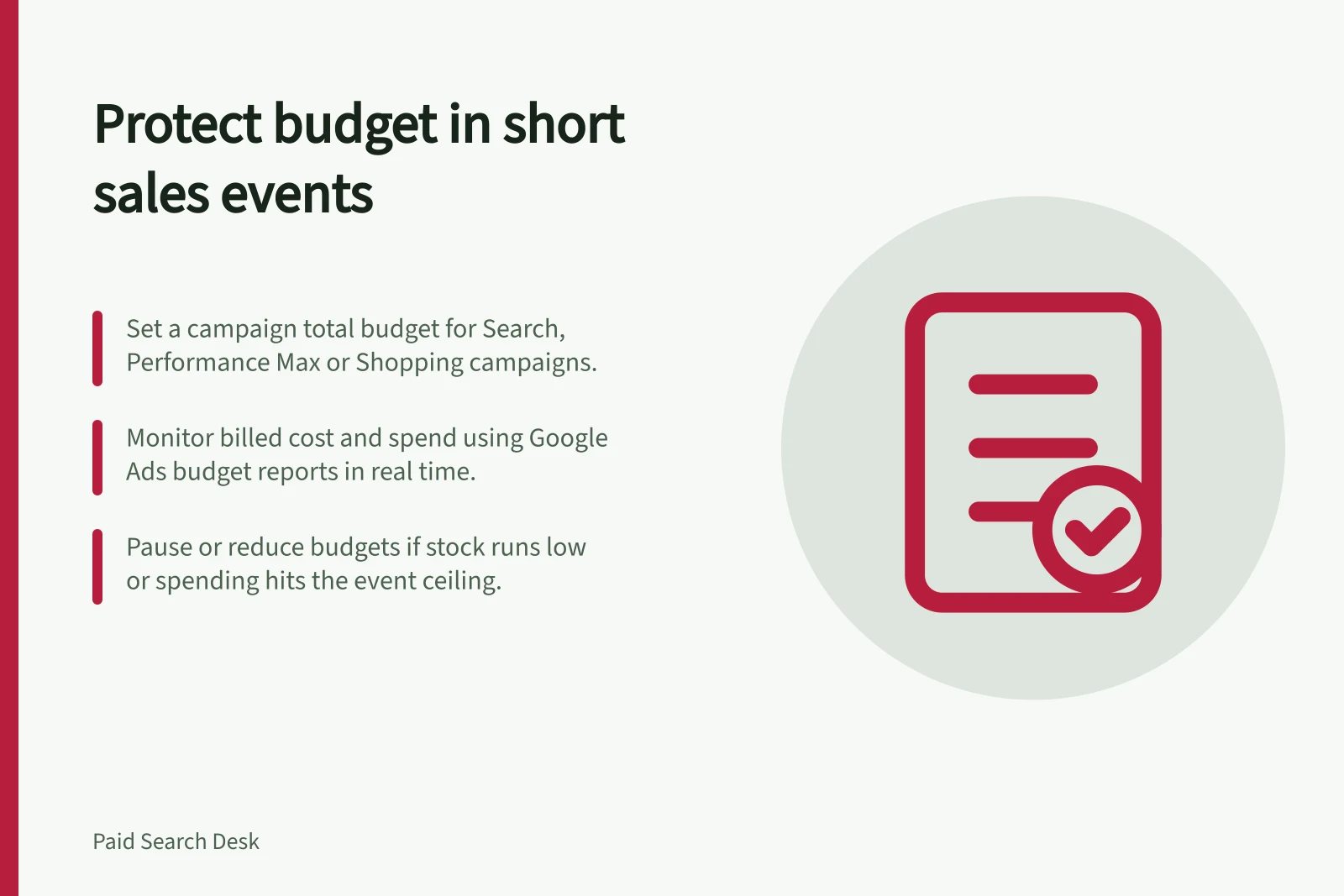
Campaign total budgets are available in open beta for Search, Performance Max and Shopping campaigns. For an eligible Search campaign running from a few days to a few weeks, set a campaign total budget for the event period; the feature aims to use that budget by the end date.
Google Ads also offers average daily and shared budgets. A daily budget sets an amount for a campaign, while a shared budget allocates one budget across campaigns; neither removes the need to track the event-wide commitment.
Monitor billed cost and spend, especially after an increase. Use Google Ads budget reports for real-time insight into campaign spending and compare the spend across promoting campaigns with the approved commitment.
Google Ads budget types: when to use each
- Campaign total budget (open beta)Caps spending across a single campaign for the event period; ideal for short events. Available for Search, Performance Max and Shopping.
- Average daily budgetSets a daily limit per campaign; does not cap overall event spend across multiple campaigns.
- Shared budgetAllocates one budget across multiple campaigns; still requires monitoring of total event spend.
Choose temporary changes with their limits in view
If you temporarily raise campaign budgets, treat the increase as part of—not additional to—the approved event commitment: set an event-wide ceiling, account for spend across all campaigns and approve only increases that fit the remaining commitment.
Set a review time and a stop or revert trigger before launch, and name the person authorised to act. If billed spend reaches the event ceiling, or a stock or capacity trigger means the offer cannot be fulfilled, that person should pause the affected campaign in Google Ads; if the campaign can continue under a lower approved amount, reduce its budget to that amount.
Reduce or pause spend if the ceiling is at risk.
Event timeline: key actions before, during and after launch
- Before launchSet a review time, define stop/revert triggers, and appoint an authorised person to act.
- During the eventIf spend hits ceiling or fulfilment issues arise, pause or reduce budget immediately.
- At expiryConfirm offer message and temporary changes have ended; record spend, pauses and stock changes.
Watch spend and fulfilment together
Check / Decision it supports
- Billed and served cost
- Is spending consistent with the approved commitment?
- Stock or service slots
- Can the business still fulfil the advertised offer?
- Accepted orders or enquiries
- Is the traffic producing work the business can use?
- Offer and campaign state
- Should the promotion continue, change or stop?
During the event, act on the triggers if a product becomes unavailable, the booking schedule fills, the offer is inaccurate or the business will not extend its commitment. Check Google Ads budget reports often enough to act within the event. Early cost per conversion remains provisional while orders can be cancelled or enquiries await assessment.
At expiry, confirm that the offer message and any temporary budget change have ended. Record billed spend against the approved amount, alongside dated pauses, increases and stock changes for the later review.
Monitoring key metrics during a short sales event
- Billed and served cost
- Track against approved event commitment
- Stock or service slots available
- Ensure offer remains fulfillable
- Accepted orders or enquiries
- Verify traffic is generating usable business outcomes
- Offer and campaign state
- Decide whether to continue, adjust or halt promotion