Keyword Research
Part of Seasonal paid search planning
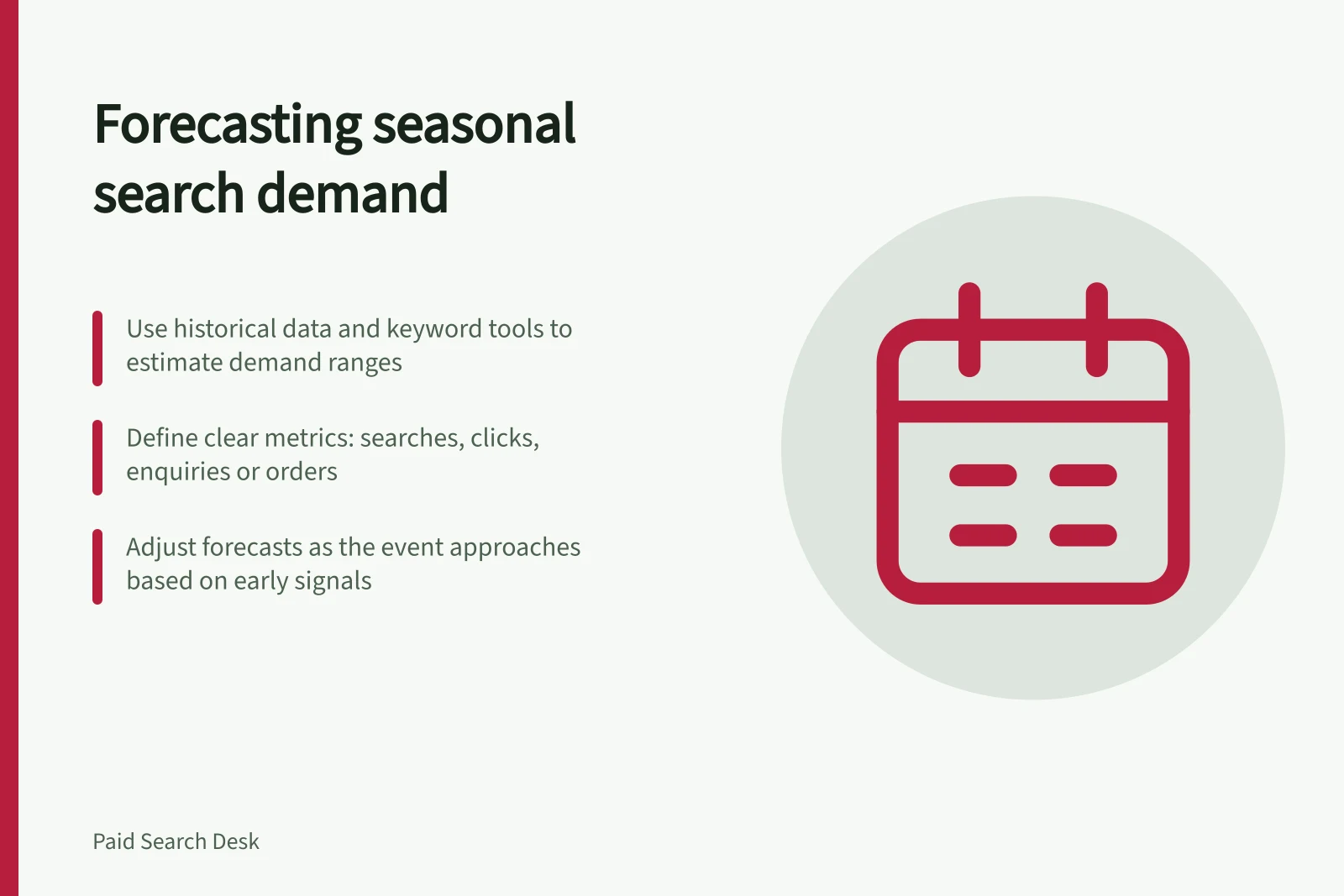
Forecasting seasonal search demand without inventing precision
Use past outcomes and Google Ads demand signals to plan seasonal Search scenarios while keeping uncertainty, settings and capacity visible.
Forecast seasonal search as a range of possible demand, then decide what the business would do in each case. Keyword tools can help with timing and relative interest. They cannot predict precisely how many suitable customers one campaign will gain.
Define what you need to estimate
Record the offer, target locations, Search Network setting and event window. Decide whether the question concerns searches, paid clicks, accepted enquiries or orders. These are different quantities. A rise in searches need not produce the same rise in eligible clicks or sales.
Start with the business's past records for the same offer where possible. Mark promotions, stockouts, campaign pauses and measurement changes. A campaign that could not serve for part of last year's event gives an incomplete picture of demand.
Use each signal for its proper job
| Signal | Useful question | Limit |
|---|---|---|
| Orders or accepted enquiries | When did serviceable requests arrive? | Records reflect the previous offer and capacity. |
| Keyword Planner historical searches | Which months or terms showed more estimated search activity? | An indication of relative interest only. |
| Keyword Planner forecast | What ad activity might the chosen keywords, bid and budget produce? | A projection, not a measurement of outcomes. |
| Demand forecast on Google Ads Insights | Is a relevant trend predicted to build or peak? | A trend indicator only. |
Keep each tool's settings and export date beside its figures. Do not treat a historical search count and a forecast ad-impression count as the same measure.
Google Ads Tools for Seasonal Demand Signals
- Keyword Planner – Historical Searches
- Indicates relative interest over time
- Keyword Planner – Forecast
- Projects ad activity based on keywords, bids, and budget
- Google Ads Insights – Demand Forecast
- Shows trends in search volume growth or peak timing
- Past Orders or Enquiries
- Reflects actual conversion performance from prior campaigns
Make the estimate useful for decisions
Write lower, central and higher cases using ranges the business can defend, or conditions if the data cannot support numbers. For the lower case, decide what spend and capacity remain worthwhile. For the higher case, identify the stock, staffing or fulfilment limit that would stop expansion. For the central case, name an early signal that would prompt a change.
For example, an Australian repair service might shift spend towards days with open appointments if eligible bookings arrive early. If those appointments fill, buying more clicks may be unhelpful. This illustrates a decision rule, not an observed result.
Recheck estimates as the event approaches and keep earlier versions, so the team can see what changed and why.