Account Audits
Seasonal paid search planning
Plan seasonal Search campaigns around real offers, service capacity, spending controls, expiry dates and a fair review of results.
Plan a seasonal Search campaign around an offer the business can fulfil. Estimate when relevant demand may rise, agree on spending and capacity limits, prepare the change at expiry, and decide how results will be reviewed. A rise in search interest is not a sales forecast.
Define the offer and its limits
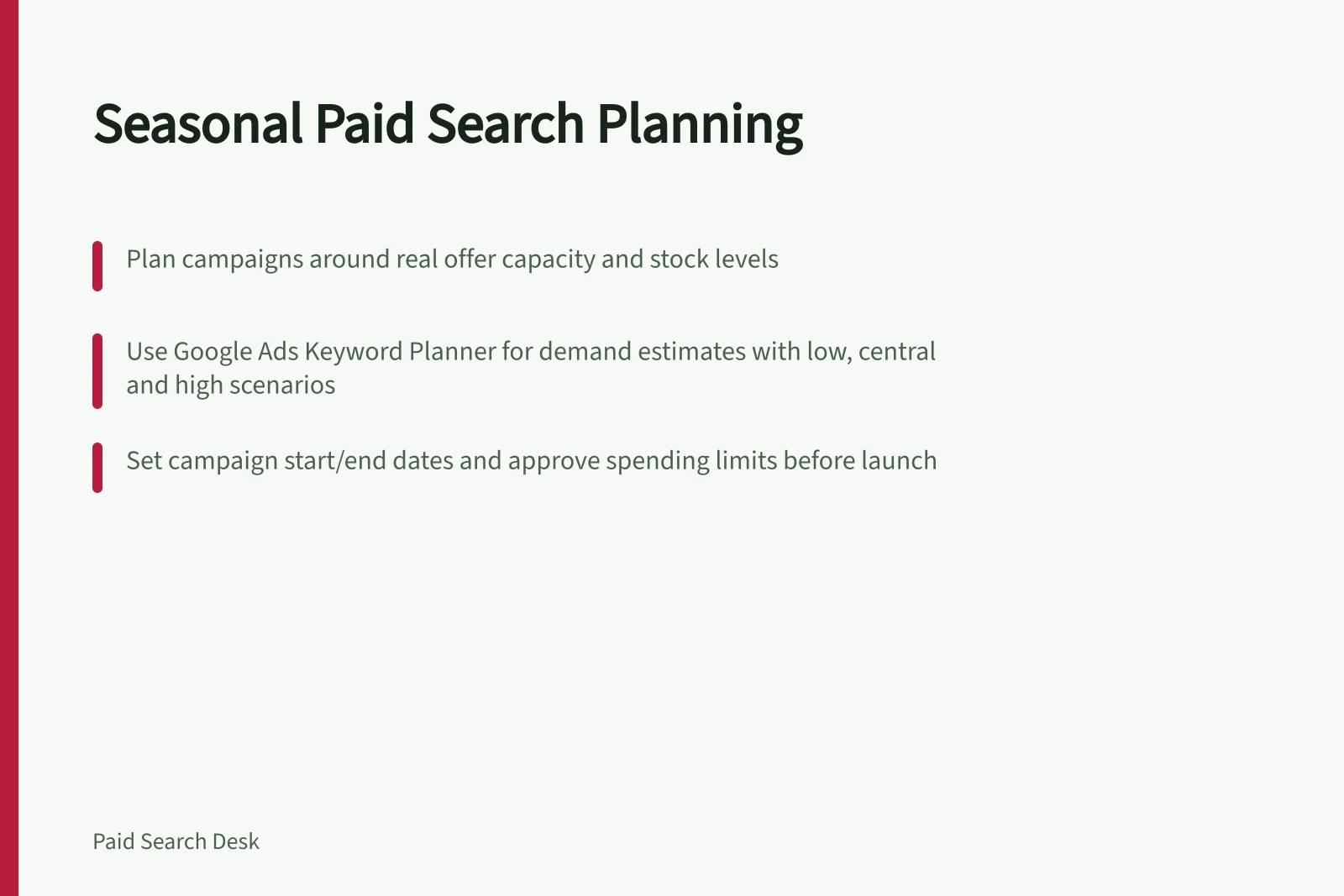
Record the products or services, eligible Australian locations, offer terms, start and final order or booking time. Check stock, delivery dates, appointment capacity and who will handle enquiries. Choose a business outcome, such as completed orders or accepted enquiries, and keep it separate from clicks and form submissions.
Estimate demand and prepare a response
Use past event records alongside relevant search estimates. Google Ads provides tools such as Keyword Planner forecasts and demand forecasts on the Insights page that can help shape a demand view for the offer. Treat each estimate as an input, not a promised result.
Keep the location, network, keywords, date range and export date with each estimate. Plan for lower, central and higher demand. Decide what would change the campaign if stock runs low, bookings fill or demand arrives earlier than expected.
Set a timetable and spending boundary
| Stage | Decision |
|---|---|
| Before the offer | Confirm the destination page, measurement, approvals, capacity and spending authority. |
| During the offer | Check spend, fulfilment capacity and the quality of orders or enquiries. |
| At expiry | Remove stale claims from ads and assets; check the page and customer journey. |
| After the offer | Allow outcomes to mature, then compare with a defined reference period. |
Use the campaign scheduling controls in Google Ads to set start and end dates. Confirm how automatic campaign start and end dates, and any promotion assets, apply to your account before relying on them.
Approve an amount the business can commit across all campaigns promoting the offer. Review available budget options in Google Ads Help; if you use a campaign total budget, review its requirements there.
Seasonal budget adjustments may be available; check your account's eligibility and settings before relying on them.
Review what the event achieved
Choose a reference period with a defensible relationship to the event. Note changes in the offer, dates, weekday mix, stock, measurement and campaign coverage.
Show spend, relevant traffic, recorded actions and accepted orders or enquiries separately. Recent conversions and later sales may still be arriving, so label an early review provisional. Record what to repeat, what capacity to prepare and what remains uncertain.
Key Metrics to Track in Seasonal Campaigns
- Spend
- Total campaign expenditure (AUD)
- Relevant Traffic
- Clicks from target Australian locations
- Accepted Orders/Enquiries
- Completed actions post-campaign
In this guide
- Forecasting seasonal search demand without inventing precisionUse past outcomes and Google Ads demand signals to plan seasonal Search scenarios while keeping uncertainty, settings and capacity visible.
- Adjusting ad messages when an offer expiresSet the offer cutoff, replace stale Search ad claims and check promotion assets, landing pages and scheduled changes.
- Protecting budget during a short sales eventSet an event spending boundary, choose a suitable Google Ads budget control and monitor spend against stock and useful outcomes.
- Reviewing seasonal performance against a comparable periodChoose a defensible comparison period for seasonal Search results and account for offer changes, capacity, measurement and conversion delay.