Keyword Research
Part of Paid search keyword research
Finding irrelevant meanings before a keyword goes live
Check a keyword for unrelated meanings before launch by expanding plausible searches, recording offer conflicts and marking what needs review.
Before you add a paid search keyword, list other requests its words could describe. Check which meanings the offer can serve, which it cannot and which need more investigation. This gives the campaign planner a record of possible unwanted searches before launch.
Expand an ambiguous phrase
Start with a short candidate phrase. Add category-relevant modifiers: hire, buy, repair, instructions, jobs, parts, support or relevant locations. The aim is to expose different tasks, not to create an exhaustive keyword list.
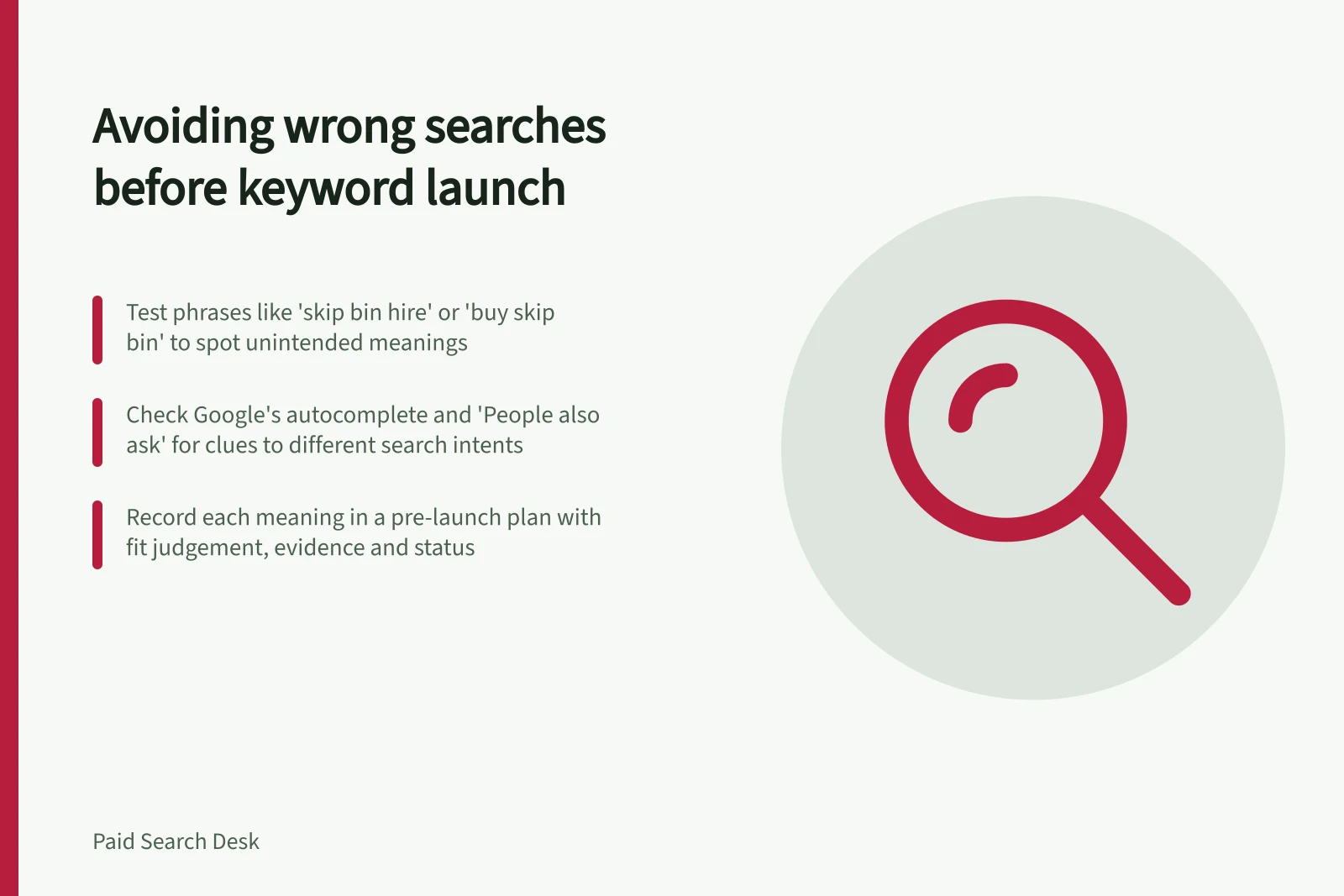
A hypothetical skip bin hire business might consider “skip bin”. Expand it into test phrases such as “skip bin hire”, “skip bin size”, “buy skip bin”, “skip bin jobs” and “skip bin usage rules”, each representing a different task. Treat these as questions to investigate, not evidence that anyone searched them. Whether a request suits the business depends on its actual offer and service area.
| Possible meaning | Question to ask |
|---|---|
| Suitable request | Can the page answer it, and can the business fulfil it? |
| Different product or service | Is there another relevant offer? |
| Instructions or support | Is there a useful answer and next step? |
| Employment | Is the search seeking a job rather than the advertised service? |
| Unclear | What fuller wording might distinguish the meanings? |
When a phrase stays unclear, swap in one task modifier at a time: hire versus buy separates hiring from purchasing, while size, jobs or usage rules point to other tasks. If the fuller phrase still leaves more than one plausible task, record the interpretations separately and hold it for review.
Use tools as clues
Type the candidate into Google and note autocomplete completions as possible fuller searches; suggestions reflect popular queries beginning with the words or letters entered. Then check the “People also ask” questions for the candidate and each fuller phrase. Record any question that points to another task.
AlsoAsked can surface questions people also asked and group them by intent using Google data. Use those questions as clues to possible meanings, not as proof that an ad will receive those searches.
Keyword Planner is a Google Ads tool for working with keywords, and it can be used to refine new keywords. Enter the candidate and examine refinements for wording that signals a different task; treat a suggestion as a prompt to check, not proof of intent.
Search each plausible fuller phrase and inspect the page titles, URLs and pages it brings up. Note whether they appear to serve the same task or different ones, such as hiring, purchasing, finding a job or learning usage rules. If the cues remain mixed, record the ambiguity and hold the candidate.
An idea missing from Planner does not prove that its meaning cannot appear. Treat inspection as a clue, not a forecast of ad traffic. Record an offer conflict plainly: “The person may want to buy equipment, while we only hire it.”
Using Tools to Uncover Hidden Intent
- Step 1Enter candidate keyword into Google Search and review autocomplete suggestions.
- Step 2Check 'People also ask' questions for the candidate and each fuller phrase.
- Step 3Use Google Ads Keyword Planner to identify suggested refinements.
- Step 4Search each plausible fuller phrase and inspect page titles, URLs, and content.
- Step 5Record ambiguity or offer conflict if cues remain mixed.
Record the risk for campaign planning
Keep the meaning notes in a pre-launch campaign planning document, with one entry per candidate. Include the candidate, each possible meaning, the exact evidence found, an offer-fit judgement, a status, an owner and the next action. Keep observed suggestions or questions distinct from phrases you constructed to test an interpretation.
For a hypothetical business that only hires bins, a sample entry could read: candidate “skip bin”; meaning “buying a bin”; evidence “buy skip bin” (constructed test phrase, not observed); judgement “does not fit this offer”; status “reject for this offer”; owner “campaign planner”. This records the offer conflict without presenting the test phrase as a real search.
Mark a candidate test when the plausible meanings fit the offer, hold when an important ambiguity remains, or reject for this offer when its apparent meaning conflicts with what the business provides. Google Ads offers keyword matching options; this check records the interpretation and leaves any exclusion decision to query-control review.
If a useful phrase also has an unwanted interpretation, record it for the query-control review. Check the effect of any proposed exclusion on useful searches before applying it.
After launch, compare visible search terms with the meaning notes. Update the notes when new meanings appear.