Match Types
Part of Search campaign structure and match types
Broad, phrase and exact match in a campaign plan
Compare Google Ads broad, phrase and exact match by eligible search range, offer fit and what your business can measure.
Choose a Google Ads keyword match type for the range of searches your offer can serve and your business can assess. Exact gives the most steering of the three options, phrase allows more searches that express the keyword’s meaning, and broad can reach additional related searches. None limits delivery to the exact words you entered.
Compare eligible search ranges
| Match type | Eligible searches may include | Planning question |
|---|---|---|
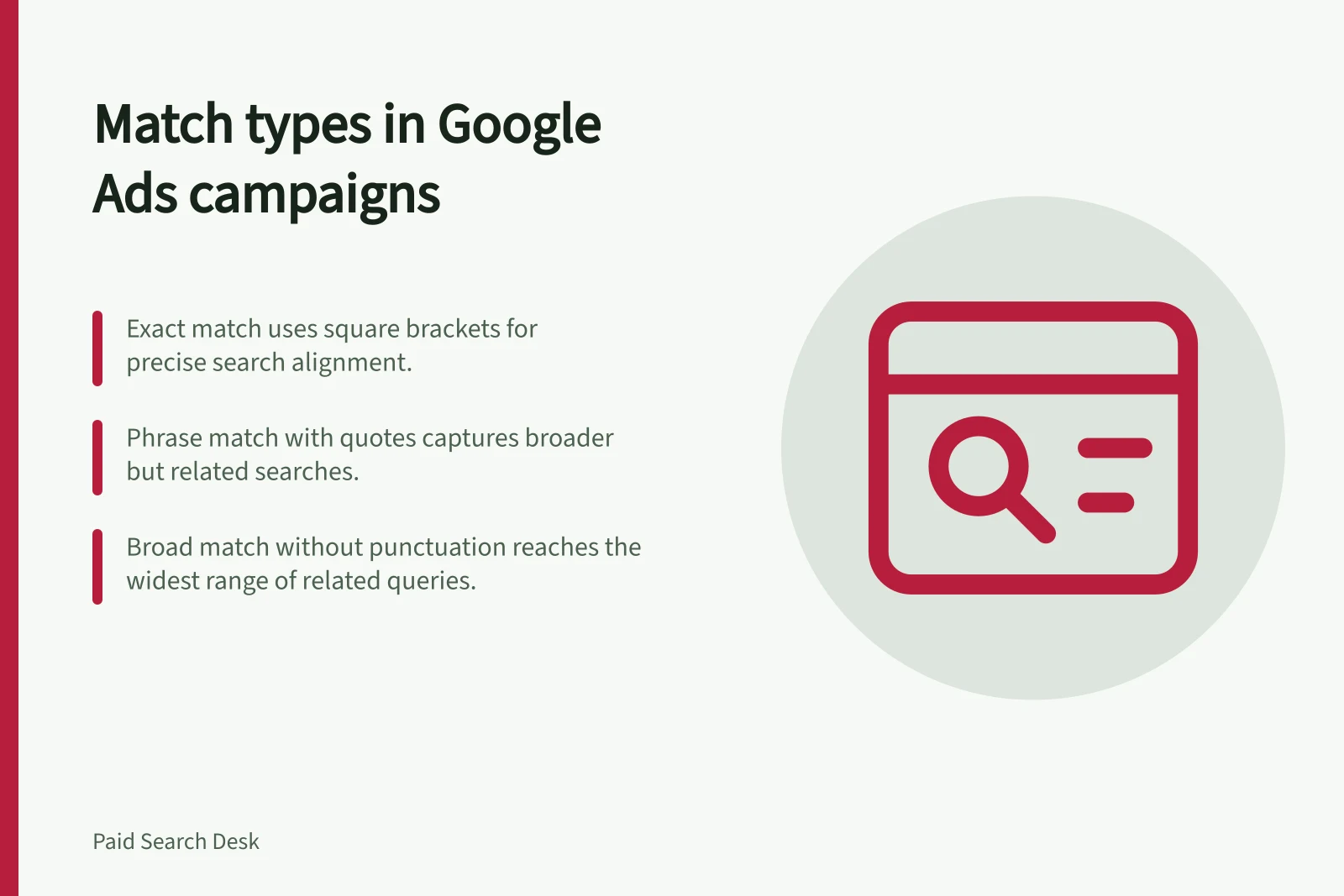
| Exact, in square brackets | Searches with the same meaning or intent as the keyword | Does this specific need fit the offer? |
| Phrase, in quotation marks | Searches that include the keyword’s meaning, including more specific forms | Can the offer handle those additional contexts? |
| Broad, without match punctuation | Related searches, sometimes beyond the keyword’s direct meaning | Can the business assess the wider coverage? |
For an equivalent keyword, phrase can match searches eligible for exact and more; broad can match those eligible for phrase and more. Entering all three versions does not create three independent audiences. The narrowest option also cannot guarantee suitable customers.
Consider a hypothetical business assessing ‘commercial fridge repair’. It might begin with exact or phrase match while checking whether enquiries concern equipment and locations it serves. Broad is a further coverage decision if the business has a suitable page, a meaningful conversion goal and a way to assess enquiries. This example predicts neither actual searches nor performance.
Eligible Search Ranges by Match Type in Google Ads
- Match Type
- Exact (in square brackets)
- Eligible Searches May Include
- Searches with the same meaning or intent as the keyword
- Planning Question
- Does this specific need fit the offer?
- Match Type
- Phrase (in quotation marks)
- Eligible Searches May Include
- Searches that include the keyword’s meaning, including more specific forms
- Planning Question
- Can the offer handle those additional contexts?
- Match Type
- Broad (without match punctuation)
- Eligible Searches May Include
- Related searches, sometimes beyond the keyword’s direct meaning
- Planning Question
- Can the business assess the wider coverage?
Pros and Cons of Broad, Phrase and Exact Match Types
- Exact Match – Pros
- High relevance; precise targeting; better control over spend and conversions
- Exact Match – Cons
- Limited reach; may miss valuable variations in search intent
- Phrase Match – Pros
- Balances reach and relevance; captures more natural search phrasing
- Phrase Match – Cons
- May still trigger irrelevant searches if context is too broad
- Broad Match – Pros
- Maximum reach; captures long-tail and related searches
- Broad Match – Cons
- Higher risk of irrelevant clicks; requires strong landing pages and conversion tracking
Make the choice from the offer
Record the service, customer, equipment, location and next step the business accepts. Then identify plausible searches whose meaning would change that answer. A narrow offer with costly unsuitable enquiries may justify a narrower starting point. A business serving several related requests may have reason to assess broader coverage.
Do not treat platform guidance as evidence that an account’s recorded conversions represent qualified work. Check the conversion goal and the business’s own outcomes before judging wider coverage.
An exact keyword can match same-intent wording. Phrase does not require the quoted words to appear in the same order. If coverage seems surprising, review the keyword’s configured match type and Google’s current documentation on keyword matching options.
Check routing and reporting limits
When a search could fit keywords in several ad groups, punctuation alone does not guarantee its destination. Check Google’s current guidance on ad group and asset group prioritisation and your campaign settings before relying on punctuation to route a search.
After launch, review the search terms report alongside the matched keyword. Check the keyword’s configured match type separately.
Compare the searches you can see with enquiries the business accepted or declined, and record why you retain or change coverage. A clean visible list cannot establish that every search was suitable.
Steps to Evaluate Match Type Fit for Your Business
- Confirm campaign settings and ad group prioritisation rulesCheck Google’s current guidance on routing logic to avoid misattribution
- After launch, review the Search Terms ReportCompare actual searches with matched keywords and your business's acceptance criteria
- Assess each search against your offer’s scopeDetermine whether the enquiry was suitable based on service, location, equipment and next steps
- Record reasons for retaining or adjusting coverageUse insights to refine match types and improve campaign performance
- Remember: a clean search terms list does not guarantee suitabilityOnly your business’s evaluation determines true relevance