Keyword Research
Search campaign structure and match types
Plan Google Ads Search campaigns, ad groups and match types around budget controls, distinct offers and searches you can assess.
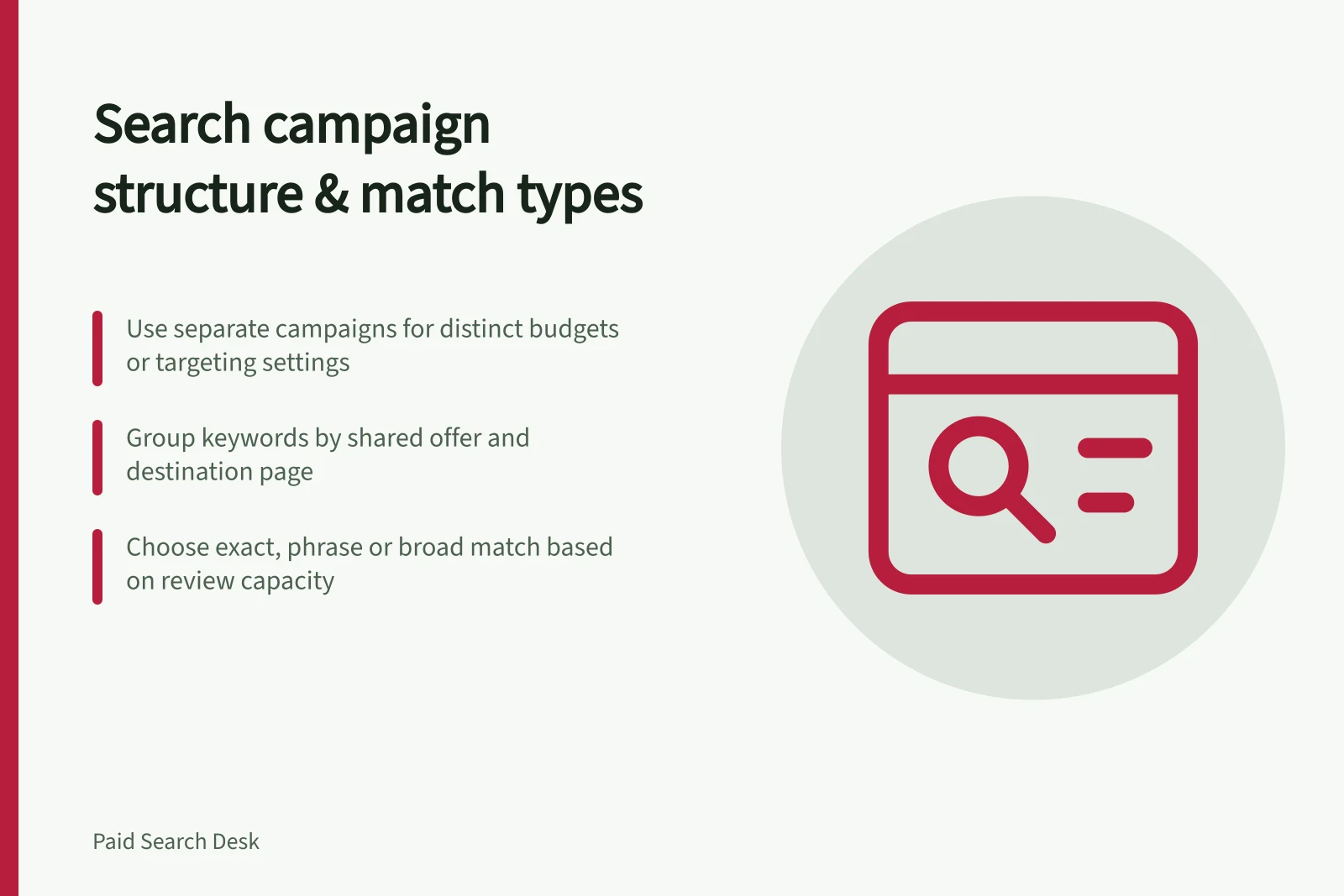
Build a Google Ads Search campaign around decisions you need to control. Use a separate campaign when an offer needs its own budget or targeting settings. Inside a campaign, group searches that can share an accurate ad promise and a suitable destination page. Pick match types for the coverage you are prepared to review and assess.
Give each layer a job
| Layer | Decision |
|---|---|
| Campaign | Which budget and targeting settings apply? |
| Ad group | Which searches can share an ad message and destination? |
| Keyword and match type | Which searches may make the ad eligible to appear? |
| Search-term review | Do the reported searches fit the offer and produce useful outcomes? |
When deciding whether to split, name the operational difference it will control, such as budget ownership or a service area. Each resulting campaign needs a distinct purpose that justifies separate management. Avoid duplicating campaigns for small wording variations alone.
For example, a business might hire and sell portable generators. Hire and purchase need different promises and pages, so they may warrant separate ad groups. If hire is available only in a limited area while sales can be delivered more widely, separate campaigns may make location settings easier to control.
Building a Google Ads Search campaign structure
- Define campaign purposeDetermine budget, targeting settings, and operational ownership (e.g., hire vs. sales). Use separate campaigns for distinct offers or service areas.
- Group keywords by offerCreate ad groups around specific, fulfilable offers (e.g., generator hire in NSW only). Ensure the destination page matches the search intent.
- Choose match type based on assessment capacityUse exact match for high control, phrase for moderate reach, broad for wide coverage — only if you can review search terms effectively.
- Review after launchCheck search terms against ad message and landing page. Adjust structure based on performance and customer outcomes, not just query volume.
Build ad groups from offers you can fulfil
For each proposed ad group, describe what its ad offers. Check that the destination answers the searches you intend to include. A generator hire ad might lead to hire options and an enquiry route. A purchase search needs a purchase offer; changing only the keyword label would not make the hire page suitable.
Keep wording variations together when the same message and page serve them. Consider a split when visitors need a materially different offer or next step. Align the ad group's keywords and ads with a suitable destination. Avoid creating an ad group for every keyword or a page for every minor wording change.
Choose match types for the coverage you can assess
Google Ads offers broad, phrase and exact match for Search keywords. Broad match is the widest option and allows related searches. Phrase match focuses on searches that include the keyword's meaning. Exact match is the most focused, for searches with the same meaning or intent.
Choose exact when you want to keep an ad group focused on a tightly defined offer. Choose phrase when that offer can serve a somewhat wider range of related searches. Choose broad when the campaign can accommodate and assess wider coverage.
Keep keywords for offers that need different messages or destinations in separate ad groups. Choose match types with a clear review plan.
Match types in Google Ads: coverage and control
- Broad matchWidest coverage; includes related searches. Requires thorough search-term review to assess relevance.
- Phrase matchFocuses on searches containing the keyword phrase. Suitable for moderately broad but relevant intent.
- Exact matchMost focused; only triggers for searches with the same meaning or intent. Ideal for tightly defined offers.
Review the structure after launch
Record why each campaign has its settings and what promise and page each ad group uses. Then review available search terms alongside the keywords and the business outcomes available.
If a relevant search reaches an unsuitable message or page, examine that ad group before adding another. If a request cannot be fulfilled, review keyword coverage and consider a carefully scoped exclusion. Judge structural changes by the customer task they clarify, not by the number of new queries reported.
In this guide
- Broad, phrase and exact match in a campaign planCompare Google Ads broad, phrase and exact match by eligible search range, offer fit and what your business can measure.
- Structuring ad groups around distinct landing-page promisesDecide when searches need separate Google Ads ad groups by testing the ad promise, destination page and visitor’s next step.
- Reviewing search terms without endlessly fragmenting an accountUse Google Ads search-term evidence to decide when to keep, revise or split an ad group without creating a new one for every query.