Negative Keywords
Part of Negative keywords and query control
Building a negative keyword list from real search terms
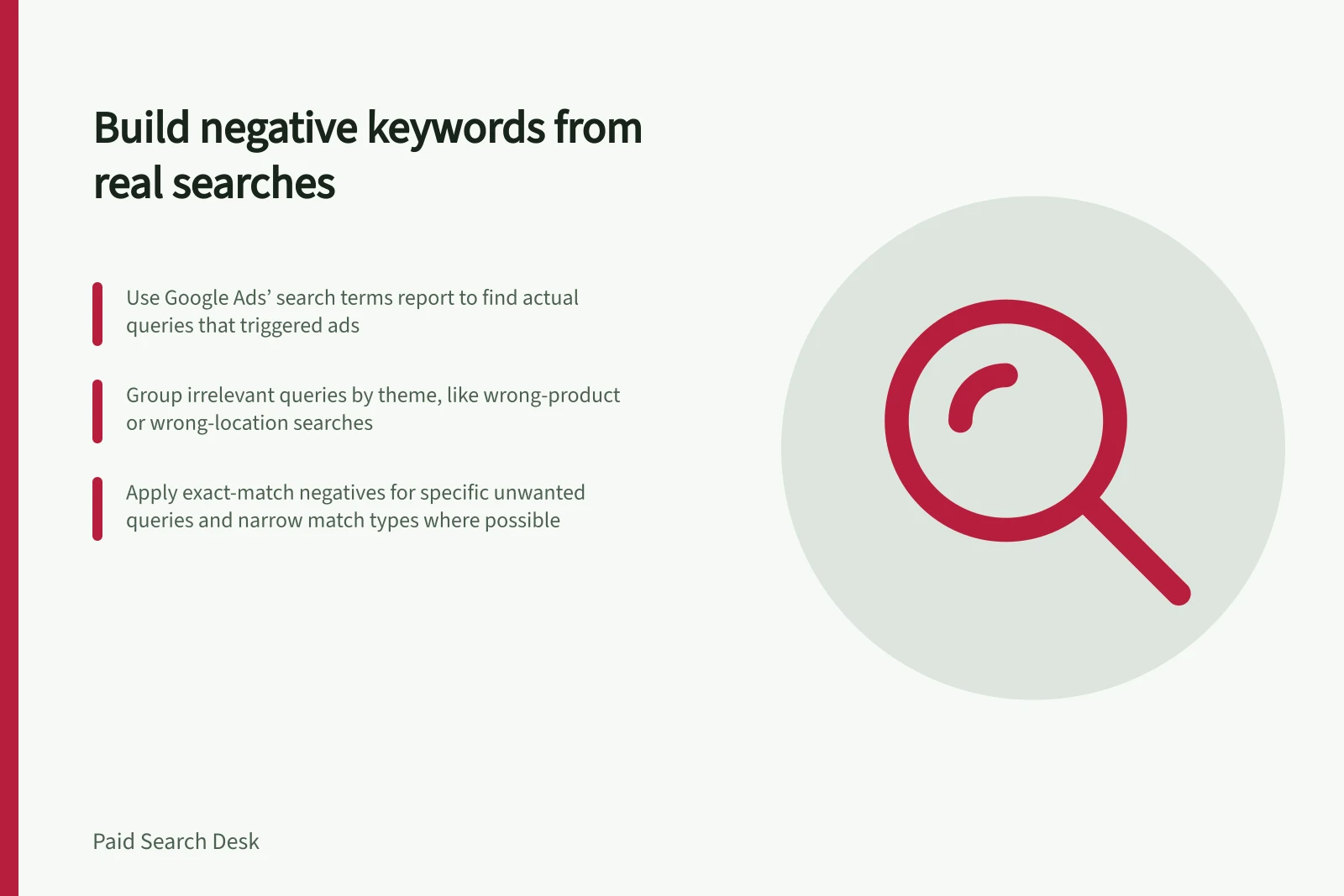
Build a negative list from queries that actually triggered your ads and do not fit the offer.
Build a negative list from queries that actually triggered your ads and do not fit the offer. A brainstormed list can help at launch, but real search terms show how people find your ads and which queries may be irrelevant.
Key Benefits of Using Real Search Terms for Negative Keywords
- Improves relevance
- Higher Quality Score and better ad performance
- Saves time on manual brainstorming
- Focuses efforts on actual user behaviour
Build and apply the list
Start with Google Ads’ search terms report and review the actual queries shown there. Group clearly irrelevant queries by theme, separating wrong-product and wrong-location searches from other themes. A term can be irrelevant to one ad group but valuable elsewhere.
If a report row for a seller of premium men’s leather dress shoes is “free shoe repair”, record the query and mark it as a repair-service search rather than a shoe purchase. A query-specific candidate is [free shoe repair], using exact-match syntax.
Classify by the offer, not just a shared word: for a sunglasses seller, “drinking glasses” and “wine glasses” are wrong-product themes. If those queries appear in the report, record each one beside its reason so the proposed negative comes from what triggered the ad.
For each candidate, record the query, why it should be excluded, the proposed negative match type and the scope where it applies. Use the narrowest match type that excludes the unwanted search. Use exact for a specific query, phrase when the same wording is unwanted across searches, and broad only when the word combination is consistently irrelevant.
In Google Ads, broad negatives have no symbols, phrase negatives use quotation marks, and exact negatives use square brackets: free repair, “free shoe repair”, and [free shoe repair]. Broad blocks searches containing all the words in any order; phrase blocks the ordered wording, including searches with extra words; exact blocks the exact query.
Apply each negative at the smallest relevant scope. Use an ad group or campaign when the exclusion applies only there. Check the selected scope before applying entries.
When the same exclusions apply across multiple campaigns, create a shared negative keyword list, add those entries, and apply the list to those campaigns. Check that the list is used at the intended scope.
Review the list regularly against new search terms and add relevant exclusions. Check that each entry still has a clear reason and scope, and remove entries that are no longer appropriate.
Negative Keyword Match Types in Google Ads
- Broad (no symbols)
- Blocks searches containing all words in any order
- Phrase (quotation marks)
- Blocks searches with the exact word order, including extra words
- Exact (square brackets)
- Blocks only the exact query entered
Related guidance
For guidance on avoiding negative keywords that block valuable demand, see the sibling article. This article focuses on turning observed queries into candidate entries.