Negative Keywords
Negative keywords and query control
Negative keywords prevent search ads from serving on specified queries.
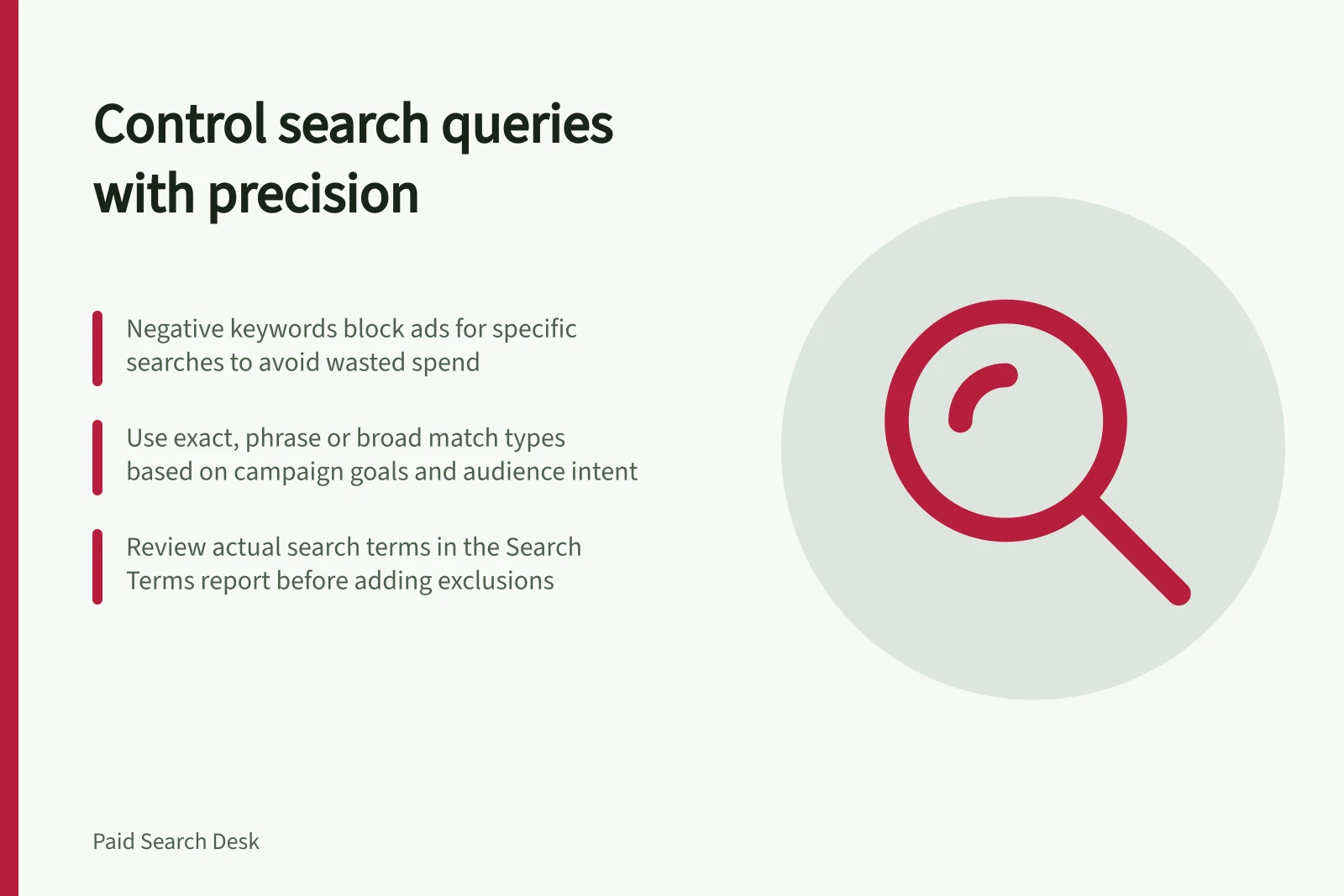
Negative keywords in Google Ads prevent ads from appearing for specified searches. They help remove demonstrably irrelevant demand, but a broad exclusion can also block people ready to buy. Query control starts with actual searches in the Search Terms report and a clear reason for each negative, not a generic list copied into every campaign.
Choose reach before excluding queries
Positive keyword match types determine how closely a search needs to relate to a keyword before an ad can appear. Broad match can reach related searches, including synonyms and variations that do not contain the exact keyword words. It can support discovery, but needs monitoring so irrelevant clicks do not waste spend.
Phrase match allows a search to include the meaning of a keyword even when word order varies or extra terms appear. Exact match provides tighter targeting: an ad can show for searches with the same meaning or intent as the keyword. These distinctions matter when deciding whether an unwanted query reflects a genuine targeting problem or is part of the reach the campaign is designed to have.
The right balance depends on campaign goals, budget and audience. Broad match suits discovery and reach; phrase match offers a balance between reach and control; exact match suits precise targeting and high-intent searches. Negative keywords complement those choices by filtering unwanted searches, rather than replacing an appropriate positive match type.
Review the language people actually used
Google Ads’ Search Terms report shows the search queries people typed before clicking an ad; the report presents these as search terms. Treat each visible query as context for a decision, rather than assuming a term is irrelevant because it differs from the wording of a keyword.
For each candidate negative, consider whether the query could be relevant to another product, campaign or stage. “Free” may be irrelevant for a paid product but valuable for a free trial. “Support” may be wasted spend in an acquisition campaign but important to an existing-customer service campaign. The right exclusion depends on its reason and the campaign’s intended reach.
Understand match behaviour
Negative keywords prevent ads from appearing for searches that include specified terms. Consider whether a candidate negative would block valuable searches.
If the problem is… / Prefer…
- One irrelevant full query, such as “free CRM service”
- Negative exact for the whole query
- A repeated unwanted phrase, including extra words in the same order
- Negative phrase after checking valuable combinations
- A multiword exclusion whose every word should be blocked in any order
- Negative broad, with a documented exception review
Google Ads negatives can be applied at account, campaign or ad group level. Choose the level that fits the intended scope, from an account-wide exclusion to a campaign- or ad-group-specific one.
Google Ads positive keyword matching can reach close variants, including synonyms, related searches, same-intent searches and searches that express a keyword’s meaning without using its exact words. Use actual Search Terms report entries to assess the searches matching has reached, rather than judging by keyword wording alone.
Query control also affects the quality of performance analysis. Irrelevant clicks can contribute to poor targeting and make campaign data less useful; filtering them is one reason to use negatives. Match-type choices can affect click-through and conversion performance, so consider each control alongside the reach the campaign needs.
Key statistics from Google Ads performance
- Search Terms report access
- Available in Google Ads interface under 'Keywords' > 'Search Terms'
- Negative keyword levels
- Can be applied at account, campaign, or ad group level
- Shared negative lists
- Enable reuse across campaigns; should be reviewed with product changes
Keep lists tied to product changes
Google Ads negative keyword lists organise exclusions for reuse, and shared lists should stay aligned with current product eligibility and campaign goals. Review them when a product or offer changes, because that can alter whether a query is relevant; detailed review and implementation steps are covered in the supporting articles.
In this guide
- Building a negative keyword list from real search termsBuild a negative list from queries that actually triggered your ads and do not fit the offer.
- Avoiding negative keywords that block valuable demandThe main risk with a negative keyword is blocking a query whose wording looks unwanted but whose intent is valuable.
- Separating competitor, employment and support queriesCompetitor, employment and support searches are not one “bad traffic” bucket.
- Reviewing negatives after a new product launchA new product changes which searches are relevant.