Negative Keywords
Part of Negative keywords and query control
Avoiding negative keywords that block valuable demand
The main risk with a negative keyword is blocking a query whose wording looks unwanted but whose intent is valuable.
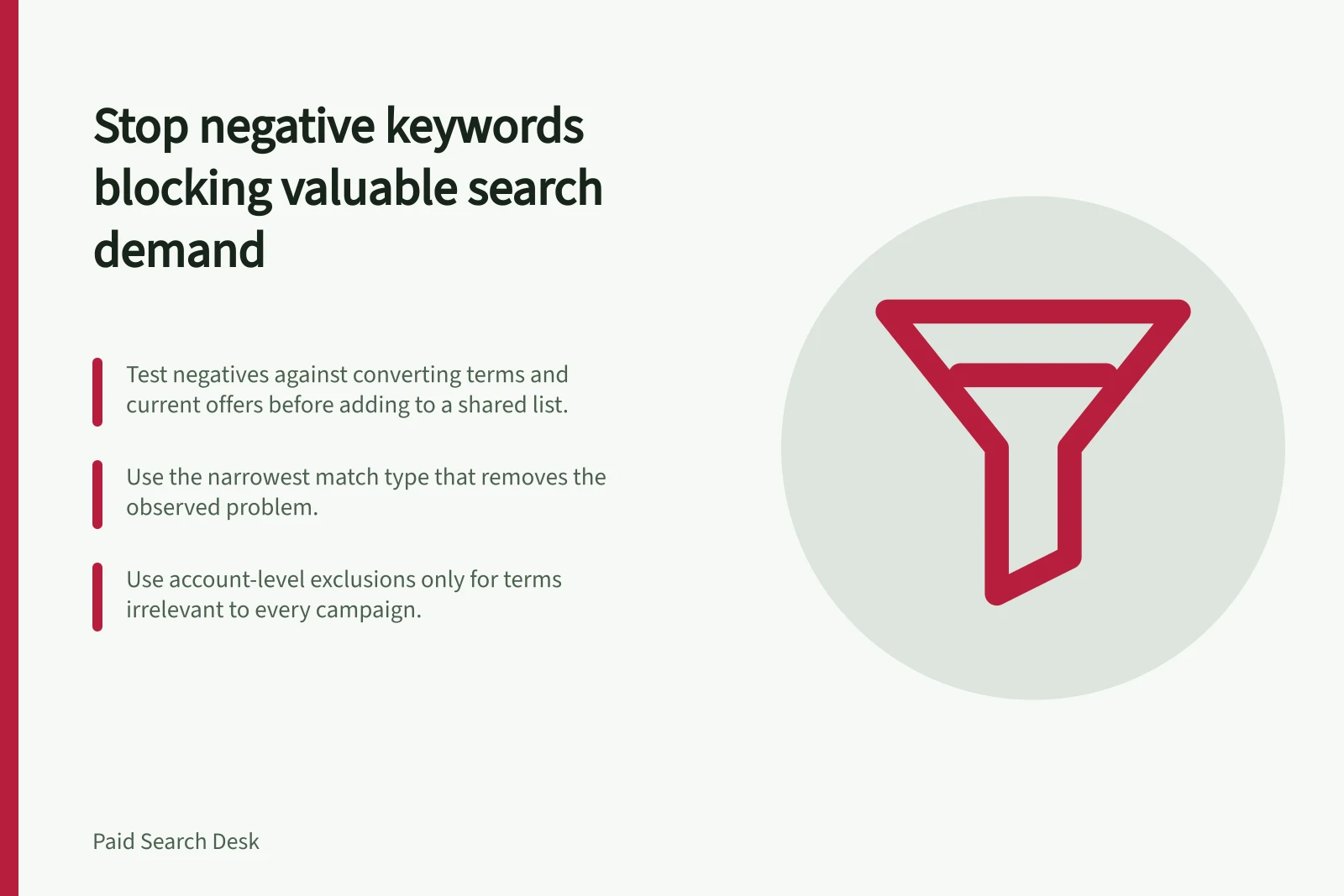
The main risk with a negative keyword is blocking a query whose wording looks unwanted but whose intent is valuable. Prevent that by testing each proposed negative against actual converting terms and current product offers before it reaches a shared list. In Google Ads, also check the exclusion’s match type and scope before applying it.
Read the whole query
Do not reject a word in isolation. “Cheap” may describe low quality, or a reasonable request for an entry-level product. “Free” can signal an unsuitable lead, or a search for a free consultation you genuinely offer. Inspect the full query, matched keyword, landing page and outcome.
For example, if you offer a free consultation, adding “free” as a negative could block the valuable search “free consultation”. Keep that exclusion out of campaigns serving the consultation; only exclude the term in a campaign or ad group where that intent is not relevant.
Use the narrowest match type that removes the observed problem. This helps limit the chance of excluding valuable searches.
Negative broad match excludes searches containing all negative keyword terms in any order. With a single term such as “free”, that can include a search for “free consultation”.
Negative phrase match excludes searches containing the phrase. Negative exact match excludes only the exact search term.
Before rollout, test representative queries with reordered terms and extra words to confirm which searches each negative would exclude. Compare those searches with terms known to have converted, existing positive keywords and historical high-value queries.
In Google Ads, use the Search Terms report to review actual searches that triggered ads, and check it weekly. Compare its queries with converting terms before excluding anything.
Check whether each proposed negative conflicts with a regular keyword. Google will not show a warning when a negative keyword blocks a regular keyword, so verify that valuable queries remain eligible.
Negative match types and what they exclude
- Negative broad matchExcludes searches containing all negative keyword terms in any order. A single term such as “free” can exclude “free consultation”.
- Negative phrase matchExcludes searches containing the phrase.
- Negative exact matchExcludes only the exact search term.
Before you apply a negative keyword
- Read the whole query, not just the wordCheck the full query, matched keyword, landing page and outcome.
- Check whether the intent is valuableIf you offer a free consultation, do not exclude “free” in the campaign serving it.
- Test reordered terms and extra wordsSee which searches each negative would exclude.
- Compare against converting terms and positive keywordsUse the Search Terms report and historical high-value queries.
- Use the narrowest match type that fixes the problemLimit the chance of excluding valuable searches.
- Check scope before rolloutAccount, campaign or ad-group level; avoid blocking regular keywords.
Look across campaigns
A negative at account or shared-list level affects more than the ad group where the bad query appeared. Use account-level exclusions only for terms irrelevant to every campaign; use campaign-level exclusions when they are irrelevant across that campaign, and ad-group exclusions when the context differs within a campaign. Search existing positive keywords and historical high-value queries for overlap. A new product launch can make a formerly irrelevant modifier valuable overnight.
Set a weekly review and a rollback condition. If qualified impressions or enquiries fall after an exclusion, compare query mix and other campaign changes before concluding causality. Remove or narrow the negative when it suppresses legitimate demand.
Weekly review and rollback loop
- Review the Search Terms report weeklyCompare actual queries with converting terms before excluding anything.
- Check qualified impressions and enquiries after exclusionsIf they fall, review query mix and other campaign changes before concluding causality.
- Remove or narrow the negative if it suppresses legitimate demandSet a rollback condition in advance.
- Reassess after product launches or offer changesA formerly irrelevant modifier can become valuable overnight.