Negative Keywords
Part of Negative keywords and query control
Separating competitor, employment and support queries
Competitor, employment and support searches are not one “bad traffic” bucket.
Competitor, employment and support searches are not a single “bad traffic” bucket. They attract different people and need different routing. Before excluding them, check whether the business has a relevant page and campaign for each intent.
Classify the searcher's task
A competitor comparison query may come from someone evaluating alternatives. It can be commercially relevant if the landing page compares truthfully. Employment terms usually belong with recruitment, not product acquisition.
Support queries may come from current customers seeking help. They can drain a new-customer budget, but they need a service route elsewhere.
Use actual search terms and spend to spot the pattern. Review the matched keyword and landing page; an overly broad positive keyword may be the first problem to solve.
Apply scoped controls
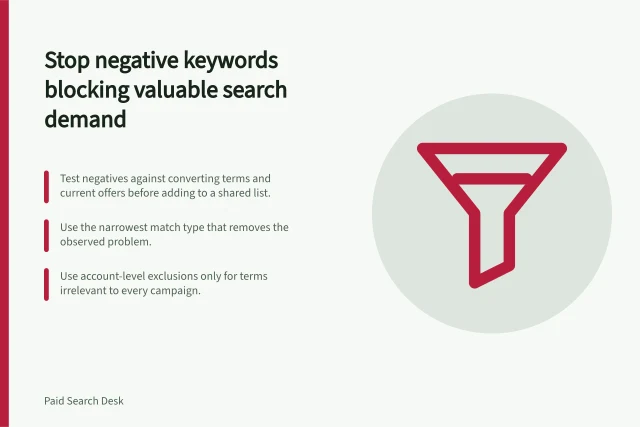
Separate campaign lists where possible. An acquisition campaign may exclude “careers” and “login”, while a hiring campaign should not inherit those negatives. A competitor-focused campaign may deliberately allow rival names, while the generic campaign excludes them. Document exceptions before applying any shared negative.
Check whether a query is ambiguous. A brand name can be both a competitor and an ordinary word. Use exact or phrase controls where broad matching could catch valuable variations. After the change, verify that unwanted spend fell and that the intended comparison, hiring or support route remains discoverable through the appropriate channel.