Negative Keywords
Part of Negative keywords and query control
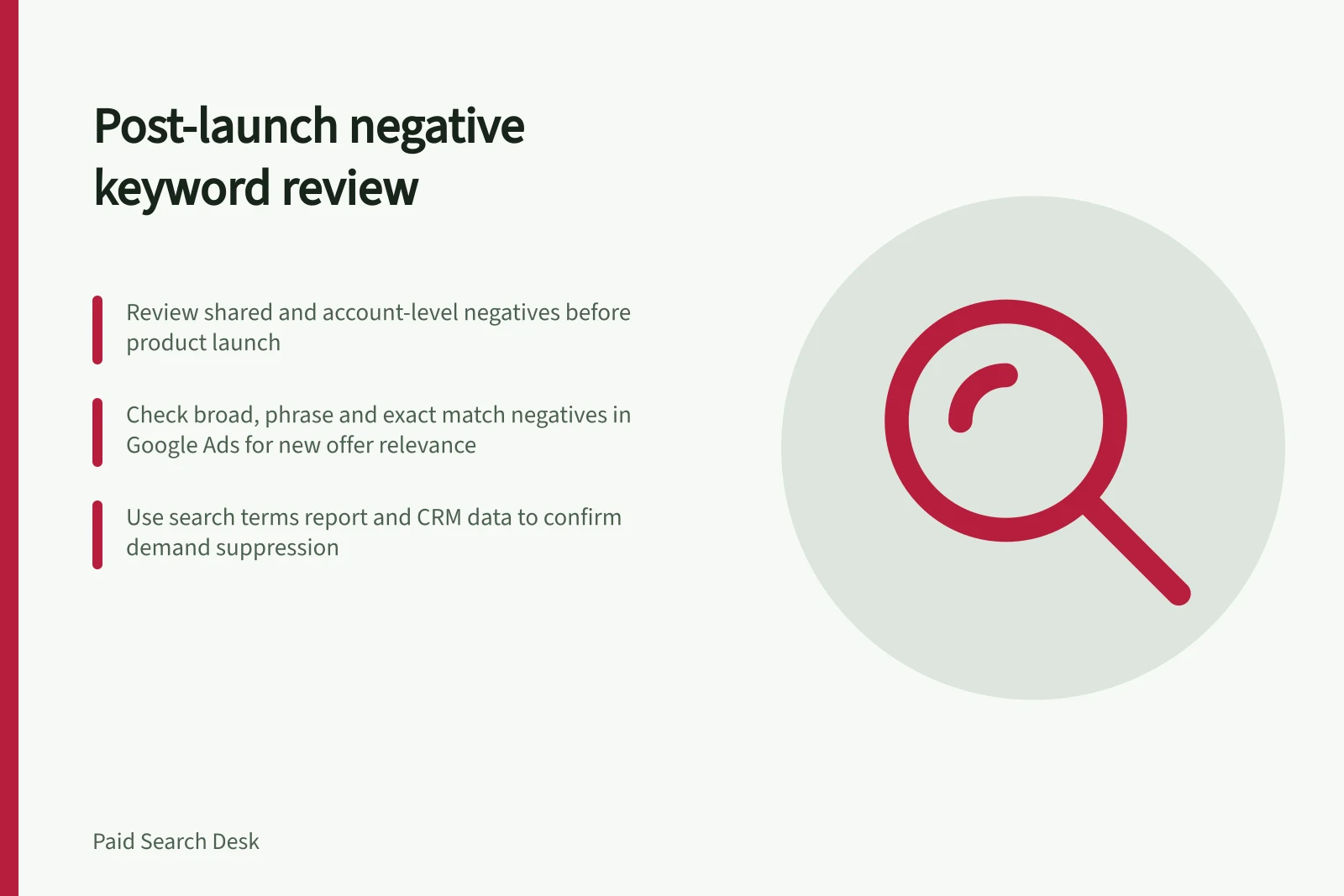
Reviewing negatives after a new product launch
A new product changes which searches are relevant.
A new product changes which searches are relevant. Negative keywords built for the old catalogue can silently block launch demand, especially when they sit in shared lists or at account level.
Review those rules before launch, then repeat the check as search-term and conversion evidence arrives. The post-launch pass should test whether an existing exclusion is suppressing demand for the new offer.
Compare the new offer with old exclusions
Before launch, write down the product's name, category, use cases, compatible devices and customer language. Search negative keyword lists for each of those terms and close variants, including synonyms and singular or plural forms, because negative keywords do not automatically match every close variant.
Review why each matching negative was added. A modifier that described an unsupported feature last year may now describe the main offer.
In Google Ads, open a campaign, select Keywords, then Negative search keywords; also inspect shared negative lists and check account-wide, campaign and ad group scope. Negative broad match blocks searches containing all the negative's words in any order, with additional words allowed; negative phrase match blocks searches containing the specified phrase in order.
Changing broad to phrase changes which word-order variants the exclusion catches. Negative exact is also available; check Google Ads Help's About negative keywords before changing its behaviour.
Do not remove an entire shared list because of one conflict. Narrow or relocate the specific negative so other campaigns retain needed protection.
Negative Keyword Match Types: Impact on New Product Launch
- Negative Broad MatchBlocks searches containing any of the words in any order – may over-exclude new product variations
- Negative Phrase MatchBlocks searches containing the exact phrase in order – more precise, less likely to block new demand
- Negative Exact MatchBlocks only the exact search term – most targeted, ideal for fine-tuning post-launch
Watch the first query evidence
Open a campaign, select Keywords, then Search terms to inspect the Search terms report; Google Ads Help also has About the search terms report. Compare search terms, matched keywords and impressions with qualified outcomes, landing-page visits and other discovery signals.
Use conversion and CRM data, where available, to assess whether similar launch queries are qualified. A blank row is not proof of no demand.
If the campaign has little delivery, review negatives alongside bids, budget, targeting and approvals. For a plausible launch query missing from the report, compare its wording with active exclusions at each scope and match type before concluding there is no demand.
Record each removed or changed negative with a reason and a review date. Reintroduce a narrower version if the launch begins attracting irrelevant variations, and treat the list as part of product operations: it should change when the offer changes.